Batik kawung pattern generator
Ellipses that meet at their tips and close into rosettes. Choose how far they overlap, how wide the petals are, how many layers nest inside them and whether dots mark the centers, and export a seamless kawung pattern as SVG, PNG or CSS.
Open in the generator How it works
A pattern from Java
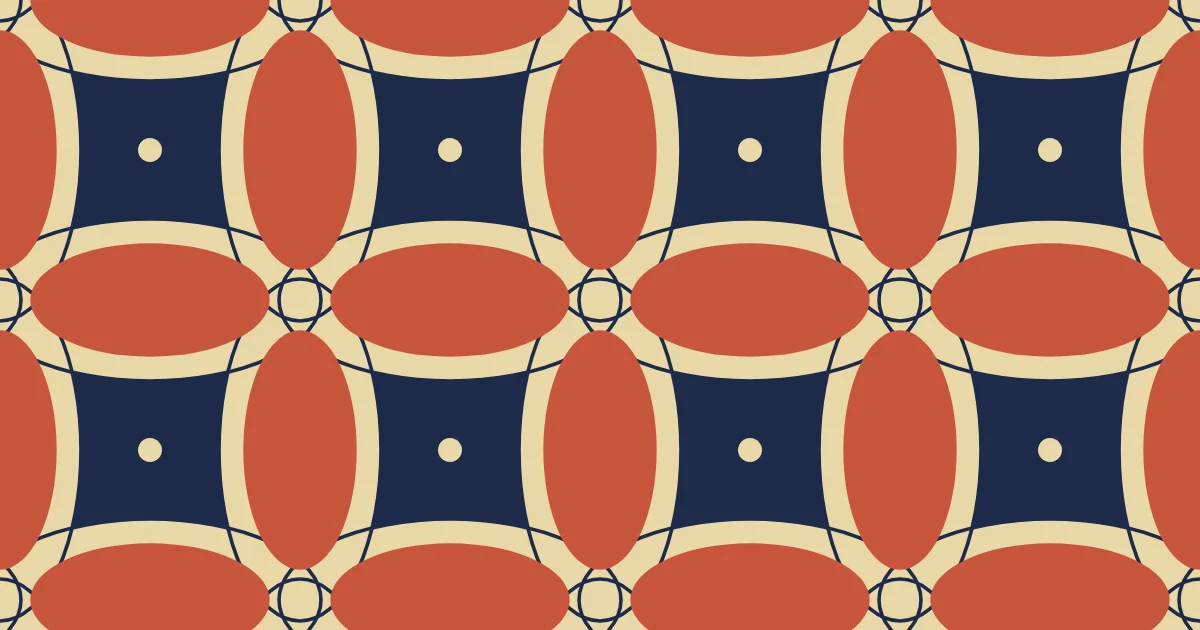
Kawung is a classic batik pattern from Java, the Indonesian island where cloth is decorated by drawing the design in hot wax, dyeing the cloth and washing the wax out. Kawung is built from ellipses that meet at their tips, and it is often said to resemble slices of palm fruit. It is one of the oldest batik patterns and is associated with the royal courts of Java.
The geometry is simple and strict, which makes the pattern easy to read from far away and easy to repeat. Small dots mark the centers and the places where the tips meet.
How the generator builds them
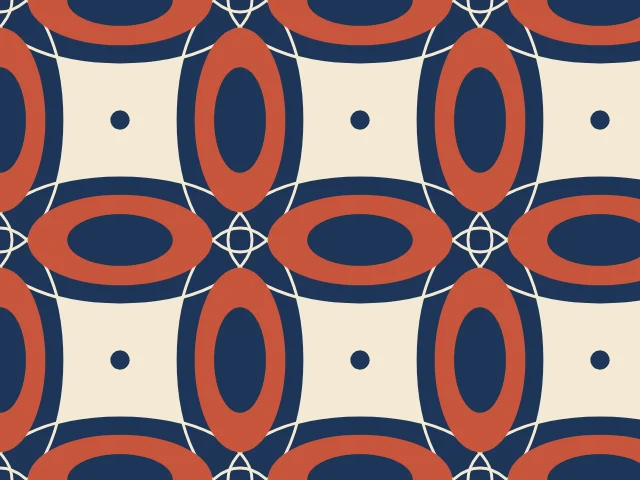
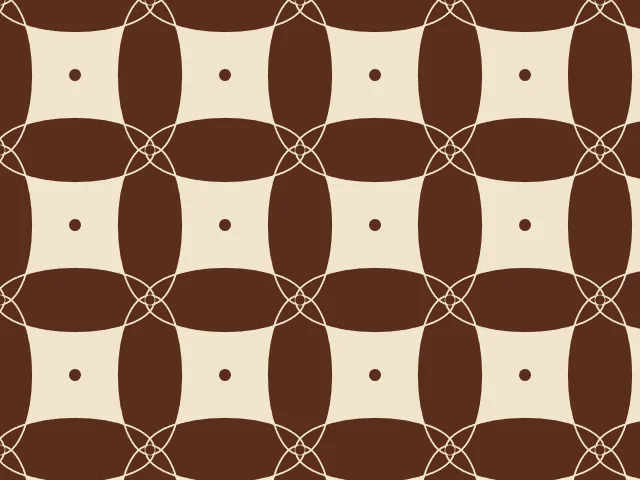
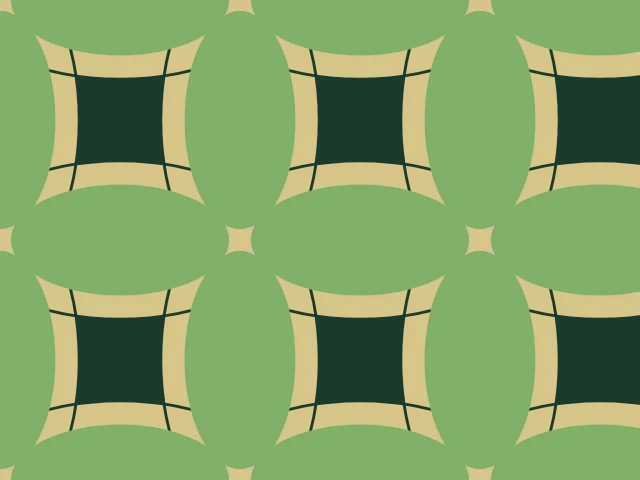
Ornamatic puts a horizontal ellipse on the middle of every horizontal edge of the grid and a vertical one on the middle of every vertical edge. Their tips meet at the grid points, and the four ellipses around each cell close into a rosette. A little extra overlap makes the petals cross.
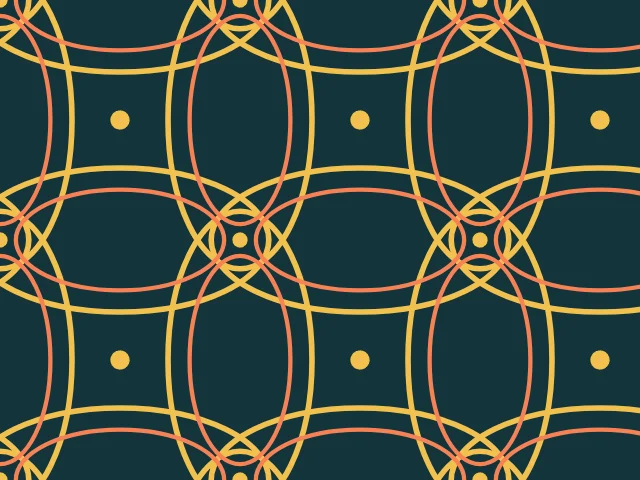
In the solid style the ellipses are filled, with thin gaps cut along their outlines to show how they cross, and they can hold nested layers. In the outline style only the outlines are drawn. A cell is one square, so the tile repeats exactly.
What you can adjust
- Style — solid or outline.
- Overlap — how far the ellipses reach past the grid points and cross.
- Petal width — how wide the ellipses are.
- Layers — from none to two nested layers.
- Dots — on or off.
- Line weight — the thickness of the outlines and gaps.
- Colors — up to three colors on a ground; any palette.
Export and use
Download the seamless tile as PNG or SVG, or copy a ready CSS background. The patterns you create are free to use, personally or commercially.