Regular and Archimedean tiling generator
Tile the plane with regular polygons. Pick one of the 11 tilings — from plain squares and hexagons to octagons, dodecagons and snub tilings — add a motif inside every tile, and export a seamless pattern as SVG, PNG or CSS.
Open in the generator How it works
What are Archimedean tilings?
A tiling made of one kind of regular polygon is called regular: there are only three, built from triangles, squares or hexagons. If you allow several kinds of regular polygons, but demand that every corner looks the same, you get eight more — the semi-regular, or Archimedean, tilings, studied by Johannes Kepler in 1619.
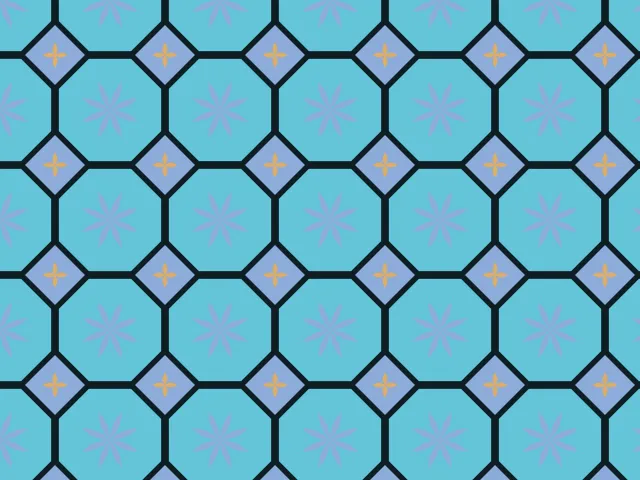
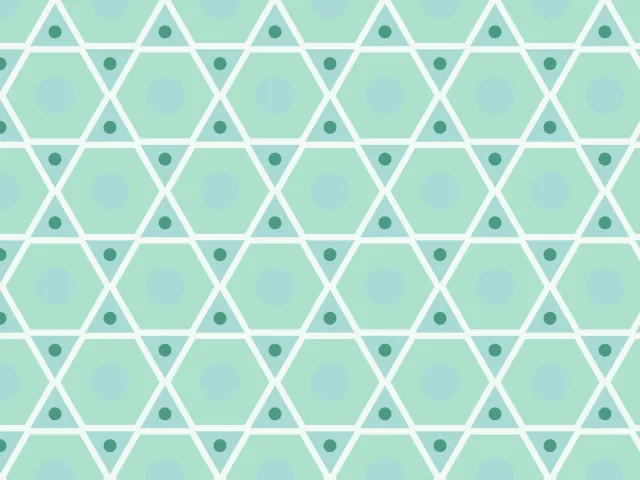
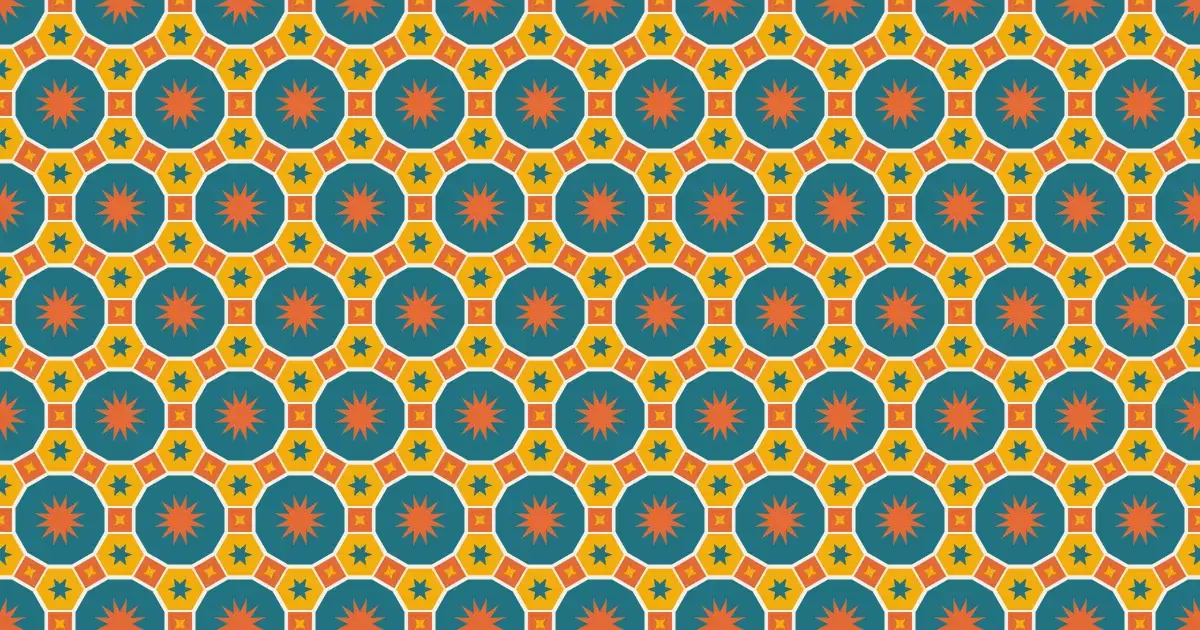
Each one is named by what meets at a corner. In 4.8.8 a square and two octagons meet at every vertex; in 3.6.3.6 a triangle, a hexagon, a triangle and a hexagon take turns around it.
How the generator builds them
Ornamatic stores the exact geometry of all 11 tilings and repeats it as a seamless tile. Each polygon can be shrunk to leave a gap between the tiles, drawn filled or as an outline, and decorated with a dot, ring, star or rosette sized to fit inside it. Neighbouring tiles get different colours.
These tilings are also the starting point for other families: the Islamic star patterns and the Celtic knotwork on tiling bases are drawn on top of them.
What you can adjust
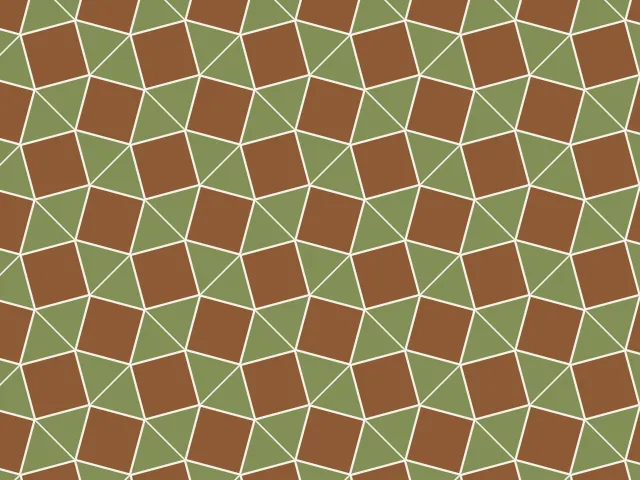
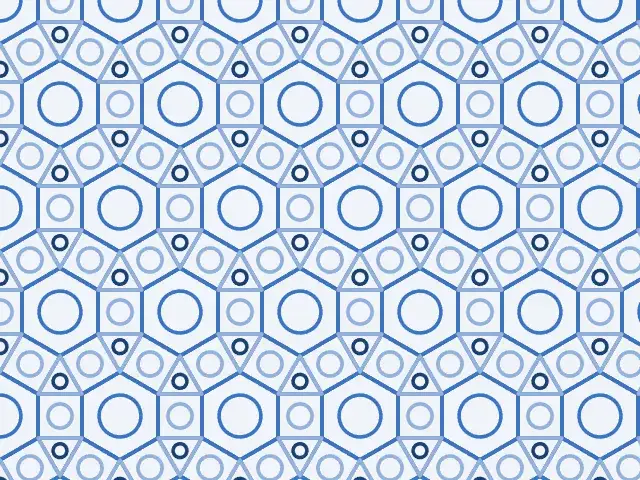
- Tiling — all 11, such as 4.4.4.4, 6.6.6, 3.6.3.6, 4.8.8, 3.12.12, 3.4.6.4, 4.6.12 and the snub tilings.
- Gap — how far each polygon is shrunk, from touching tiles to separate shapes.
- Rendering — filled tiles or outlines, with adjustable line width.
- Inner pattern — none, a dot, a ring, a star or a rosette, and its size.
- Colours — any palette; neighbouring tiles differ.
Export and use
Download the seamless tile as PNG or SVG, or copy a ready CSS background. The patterns you create are free to use, personally or commercially.