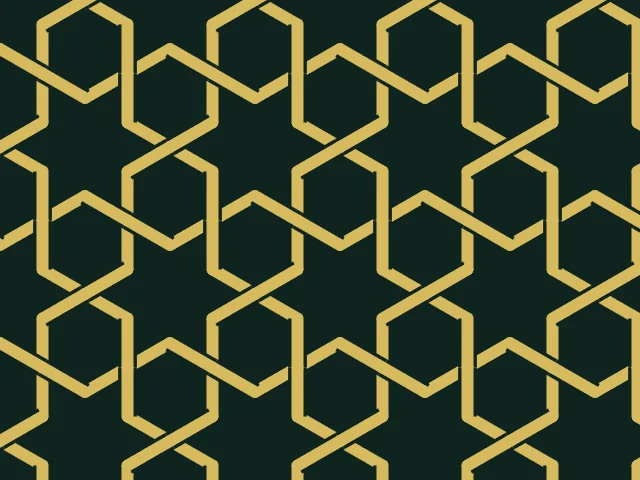
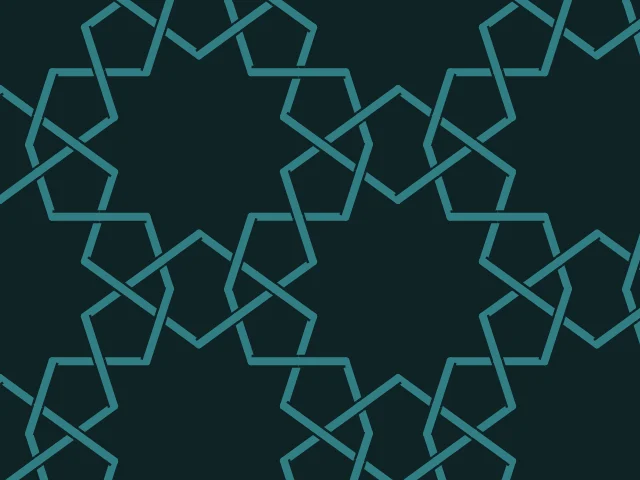
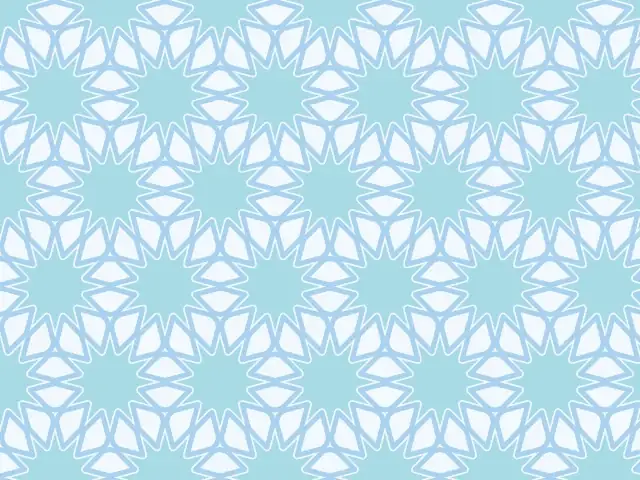
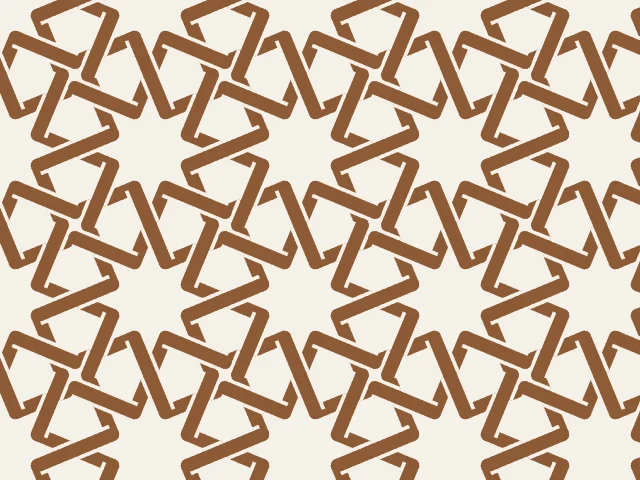
Islamic star pattern generator
Build the interlaced stars and rosettes of Islamic geometric art in your browser. Pick a base tiling, tune the angle, weave the bands over and under — and export a seamless tile as SVG, PNG or CSS.
Open in the generator How it works
What are Islamic star patterns?
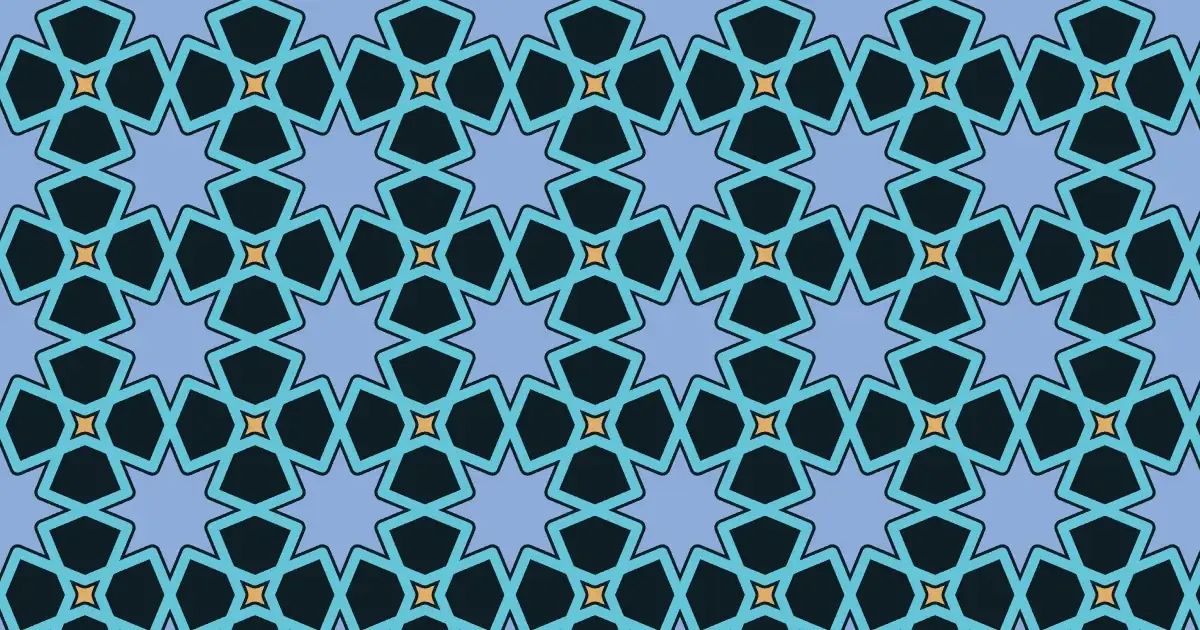
Islamic geometric patterns decorate mosques, palaces, tiles, book covers and textiles across the Islamic world. Many of them are built from one simple idea: start with a tiling made of regular polygons, then draw lines inside it that meet to form stars and rosettes.
The result repeats endlessly and looks intricate, yet it follows strict geometry — which is exactly why a generator can build it.
How the generator builds them
Ornamatic uses the “polygons in contact” method, described by E. H. Hankin in the early twentieth century. Every polygon of the base tiling sends two rays inward from the middle of each edge. The rays leave the edge at the same angle — the contact angle — and the rays from neighbouring edges meet to form the points of the stars.
Because the lines continue into the neighbouring polygon, they run across the whole plane without a break. Each tiling has a classic angle: 67.5° on octagons and squares, 60° on hexagons, 75° on twelve-sided polygons. Try other angles to find a different character.
Girih bases and over–under weaving
Besides the regular and semi-regular tilings, there are bases made from girih tiles — the decagons, bowties and rhombs of Persian geometric ornament, known from designs such as the Topkapı Scroll.
Turn on over/under weaving and every band passes alternately over and under the bands it crosses, like a woven strap. The weave is solved exactly for the whole repeat, so it stays consistent across the seam.
What you can adjust
- Base tiling — 11 regular and semi-regular tilings plus 3 girih bases.
- Contact angle and spread — how the stars are shaped and how far the two rays on each edge are apart.
- Band width and outline — from fine lines to broad straps with a gap around them.
- Fill — stars only, stars and background, or lines only.
- Weaving — plain bands or over/under interlacing.
- Colours — any palette: pastel, vivid, earth, night and more.
Export and use
Download the seamless tile as PNG or SVG, or copy a ready CSS background. The patterns you create are free to use, personally or commercially.