Symmetry pattern generator
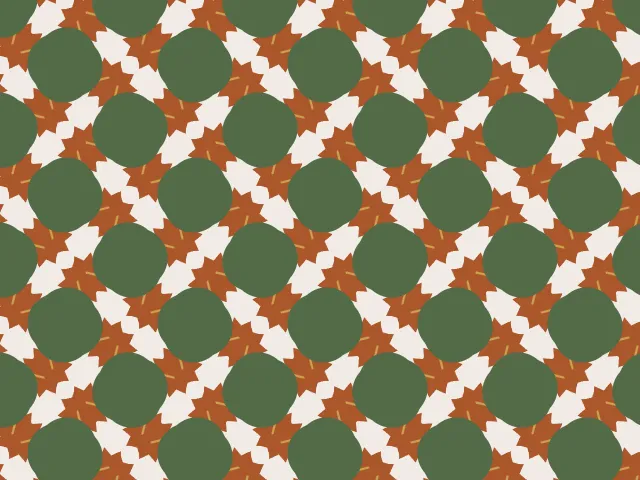
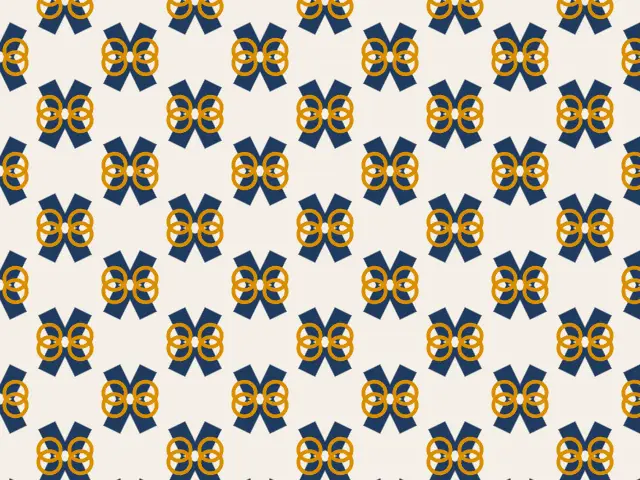
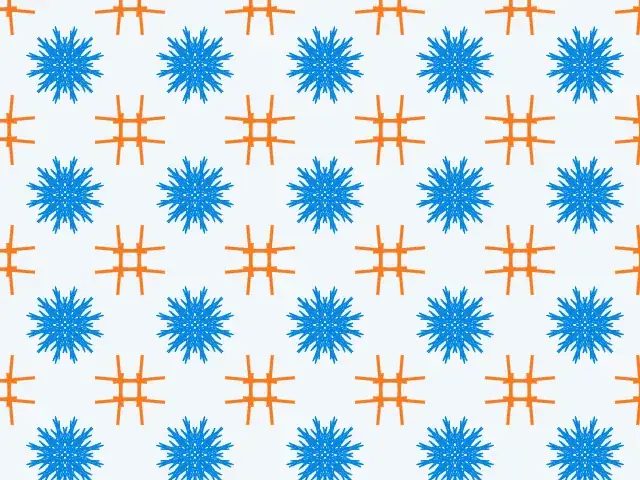
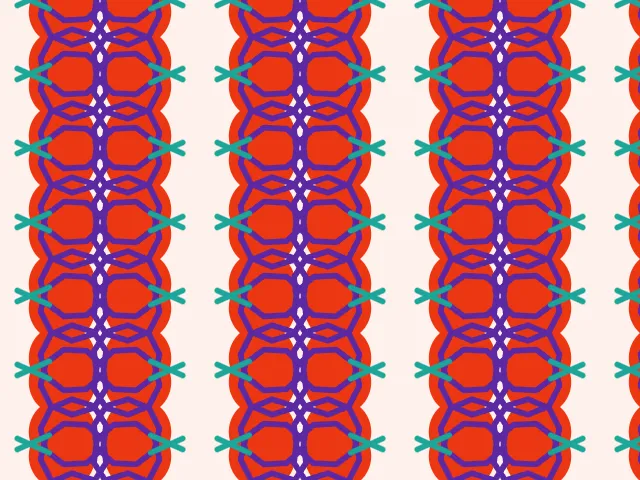
Draw one motif and let symmetry do the rest. Choose any of the 17 wallpaper groups, place a shape or your own SVG, and watch it repeat into a seamless pattern you can export as SVG, PNG or CSS.
Open in the generator How it works
What are wallpaper groups?
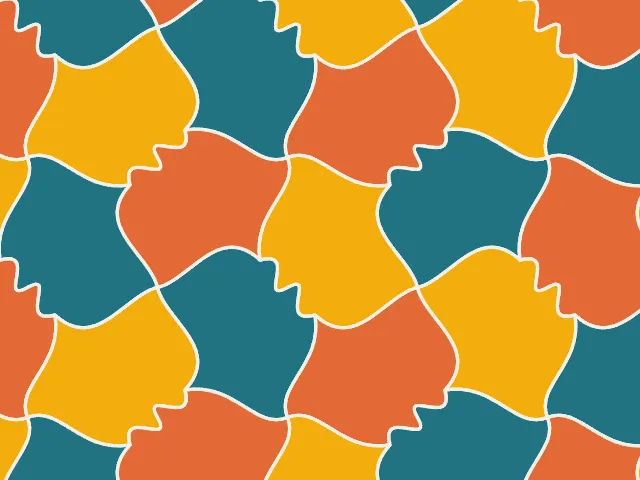
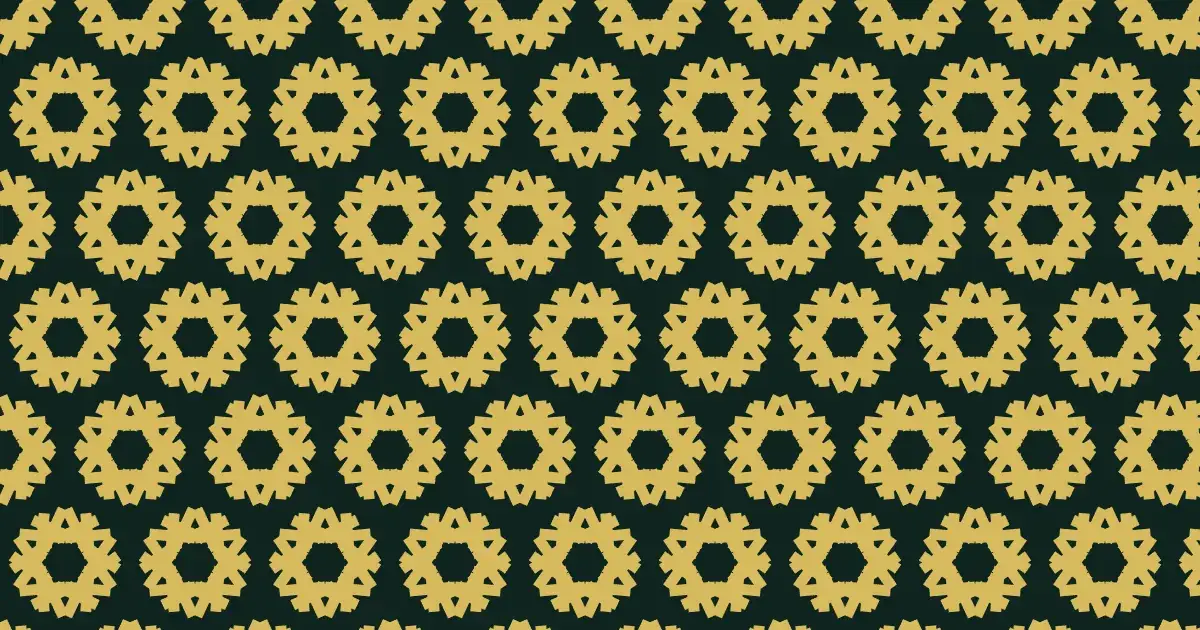
A wallpaper pattern repeats in two directions, like a roll of wallpaper or a tiled floor. Whatever the motif, the way it repeats follows a symmetry: shifting, turning, flipping in a mirror, or flipping and sliding along the mirror line (a glide reflection).
Mathematically there are exactly 17 different combinations of these — the 17 wallpaper groups, proved by the crystallographer Evgraf Fedorov in 1891. Every flat repeating pattern you have ever seen belongs to one of them.
How the generator builds them
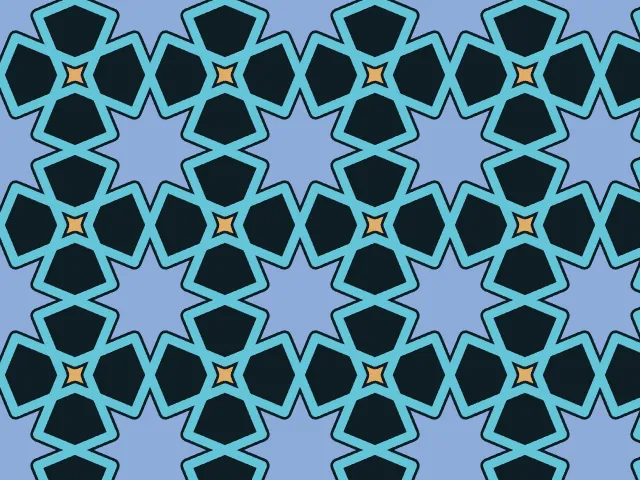
Choose a group and place one motif. Ornamatic repeats it by every symmetry operation of the group inside one cell, then tiles that cell across the plane. Names such as p4m or p6m describe the symmetry: the number is the highest rotation (p4 turns by 90°, p6 by 60°), “m” means mirrors and “g” means glide reflections.
You can use one of the built-in shapes or your own SVG, drag the motif directly on the preview — grab any of its copies — and add several motifs. Whatever you move, every copy follows and the symmetry is kept. For borders that repeat in one direction only, the Friezes family offers the 7 frieze groups.
What you can adjust
- Group — any of the 17; the lattice (oblique, rectangular, square or hexagonal) follows from the group.
- Cell proportions — stretch the repeating cell, or skew it where the group allows.
- Motif — shape, position, size, rotation and stretch, plus shape-specific parameters; several motifs at once.
- Your own SVG — drop an icon or drawing onto the page and use it as the motif.
- Fill and colour — filled or outlined, any colour, adjustable opacity.
Export and use
Download the seamless tile as PNG or SVG, or copy a ready CSS background. The patterns you create are free to use, personally or commercially.