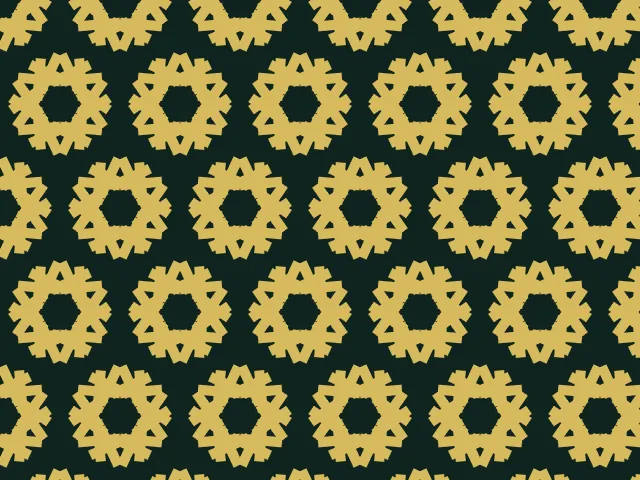
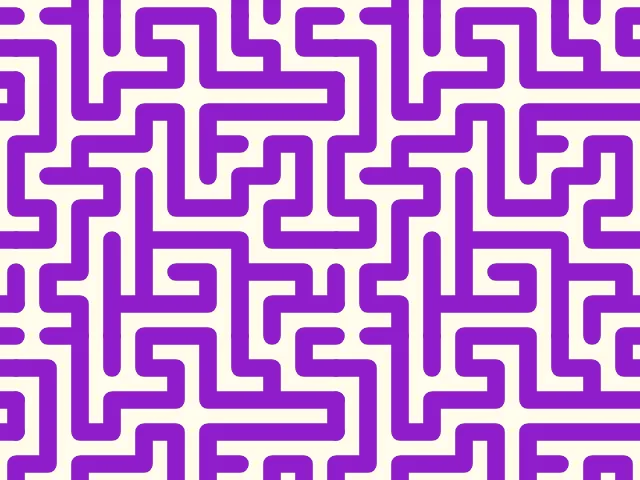
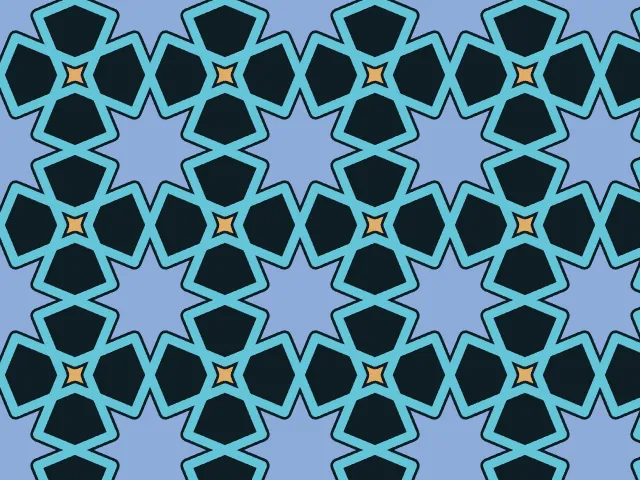
Frieze pattern generator
Borders, trims and bands that repeat along a line. Place a motif, pick one of the 7 frieze groups, and let mirrors, glides and half-turns build the border. Export it as a seamless SVG, PNG or CSS.
Open in the generator How it works
What are frieze groups?
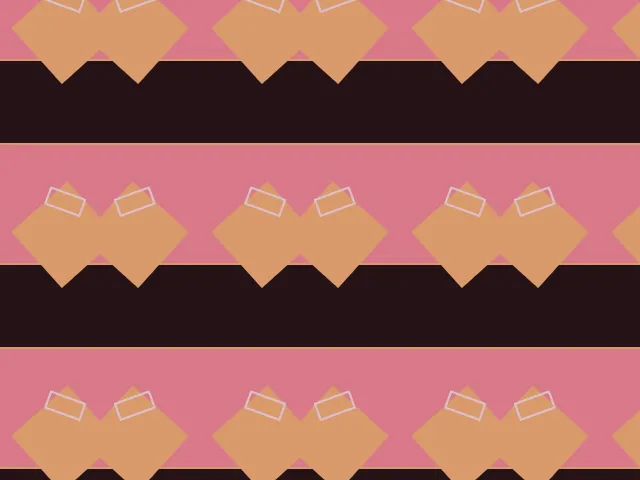
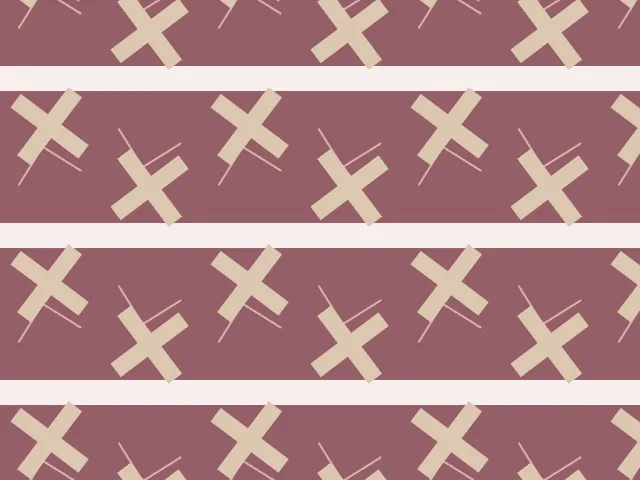
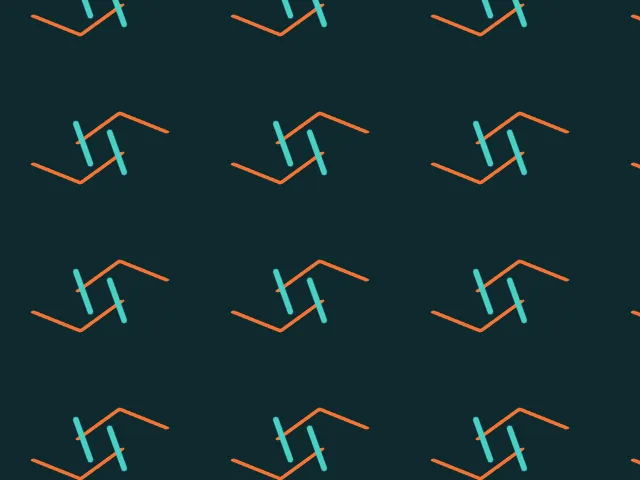
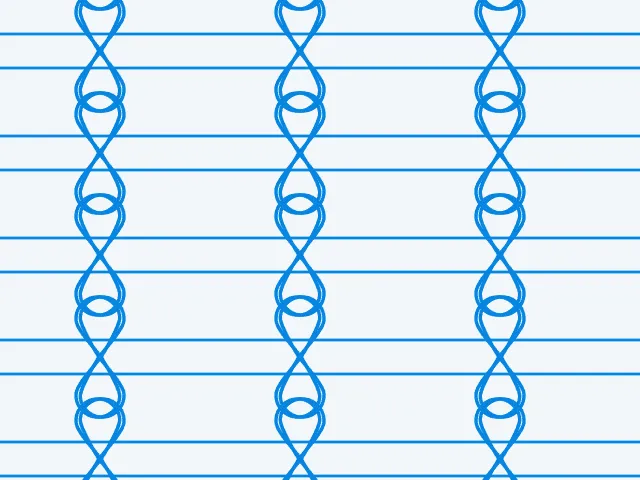
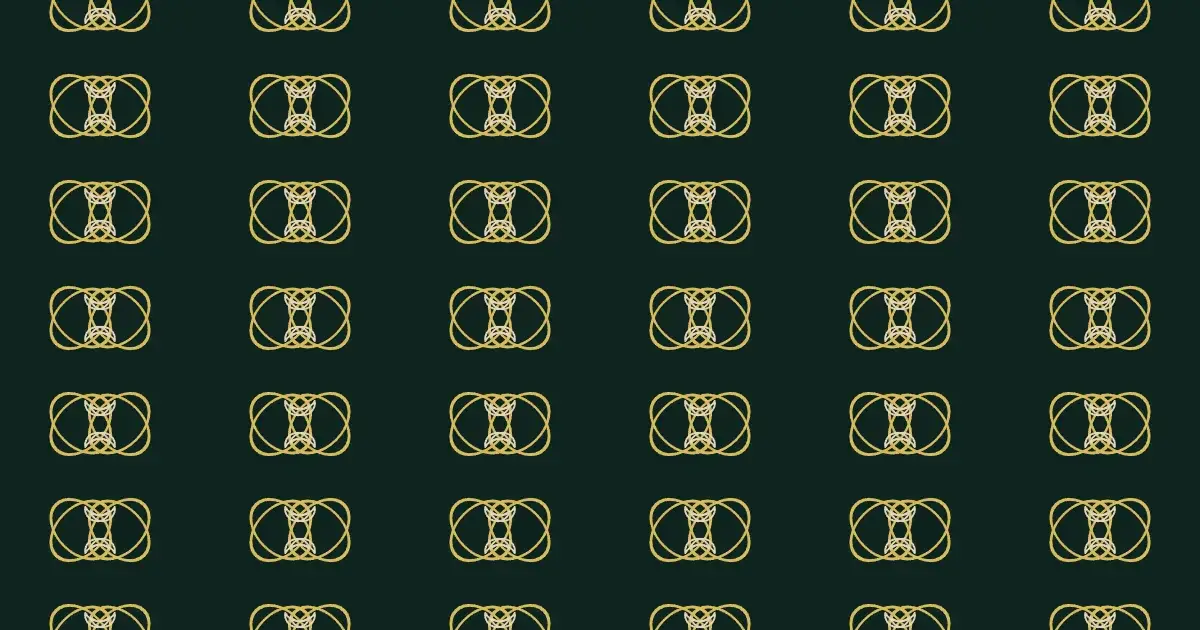
A frieze is a strip that repeats in one direction only, like a carved border round the top of a wall, a ribbon, or a trim along the hem of a dress. Wallpaper patterns repeat in two directions; friezes in one.
Mathematically there are exactly seven kinds of symmetry such a strip can have. They combine translation along the strip with a mirror across it, a mirror along it, a half-turn, or a glide reflection: a mirror image shifted by half a period.
How the generator builds them
Choose a group and place a motif, either a built-in shape or your own SVG. Ornamatic copies it by every symmetry of the group inside the strip and repeats the strip along its length. Whatever you move, all the copies follow, so the symmetry is kept.
A single strip can only repeat in one direction, so for a tile that repeats seamlessly Ornamatic stacks rows of the border with a gap between them. The gap can be set to zero, and the band can be given a background colour and edge lines.
What you can adjust
- Group — translation only, glide reflection, vertical mirrors, half-turns, mirrors with a glide, a horizontal mirror, or all mirrors.
- Motif — shape, position, size and rotation, or your own SVG; several motifs at once.
- Band height — the height of one strip.
- Gap between rows — the space between stacked strips.
- Band background and edges — a coloured band with lines along its edges.
- Colours — any palette.
Export and use
Download the seamless tile as PNG or SVG, or copy a ready CSS background. The patterns you create are free to use, personally or commercially.