Scatter and ditsy print generator
Tiny motifs strewn across the fabric: petals, drops, stars, crescents, dots. Choose the shapes, set how many there are and how evenly they fall, and export a seamless pattern as SVG, PNG or CSS.
Open in the generator How it works
What is a scatter print?
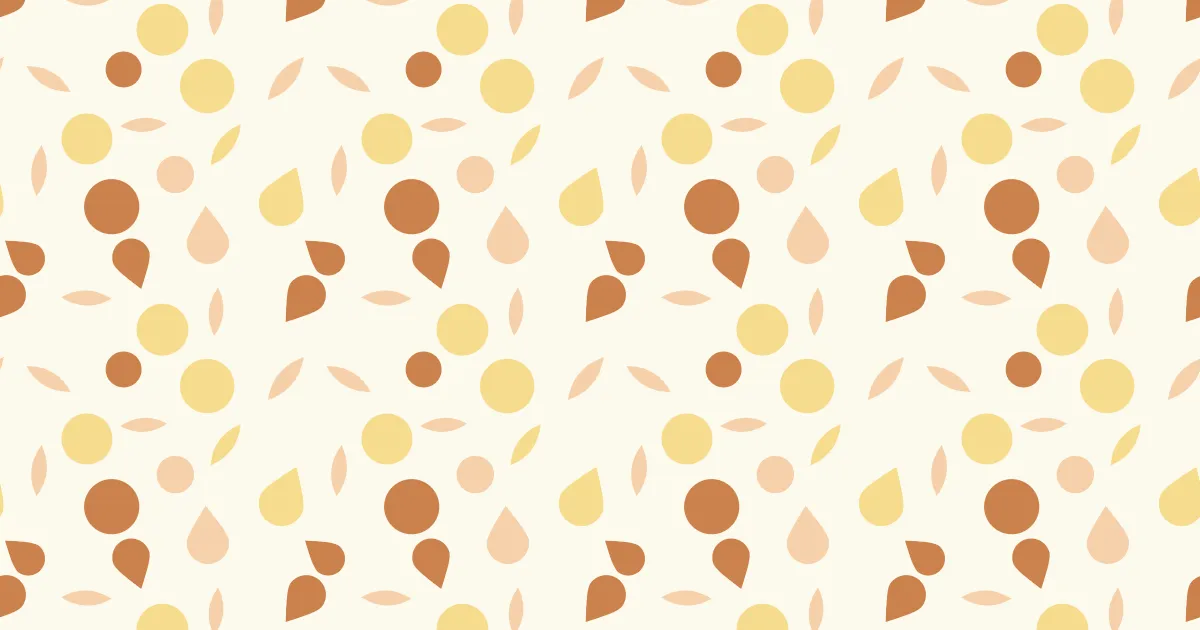
A scatter print, or ditsy print, is a pattern of small motifs that look randomly strewn over the ground, as in a ditsy floral dress fabric. Unlike a grid, it has no visible rows; unlike pure randomness, no part of it looks crowded or empty.
That balance, in which points are random but never too close, is known as blue noise, and it is what makes a good scatter look natural.
How the generator builds them
The generator places motifs one at a time, trying random positions and keeping the ones that are far enough from their neighbours. Distances are measured around the edges of the tile, so motifs continue across them and the pattern is seamless.
The “evenness” setting runs from clumpy random, at 0, to as even as possible, at 1. Each motif gets a random size within your range, and a random rotation if you want one.
What you can adjust
- Shapes — petal, drop, circle, star, cross, crescent, polygon and others; any mix.
- Motifs per period — how many shapes are in one tile.
- Evenness — from random clumps to a uniform spread.
- Size range — the smallest and the largest motif.
- Rotation — any angle, a slight tilt, or upright.
- Share of outlines — how many motifs are drawn as outlines instead of filled.
- Colours — any palette.
Export and use
Download the seamless tile as PNG or SVG, or copy a ready CSS background. The patterns you create are free to use, personally or commercially.