Stone masonry pattern generator
Walls and pavements of natural stone. Choose ashlar, rubble or cobbles, how many stones there are, how wide the mortar is and how irregular the stones, and export a seamless pattern as SVG, PNG or CSS.
Open in the generator How it works
Stone laid by hand
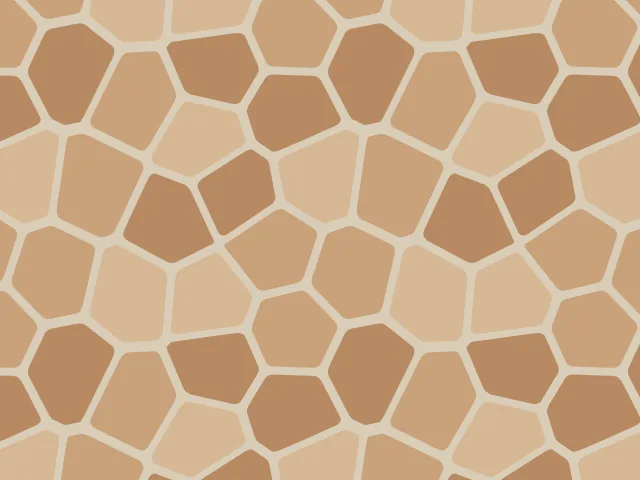
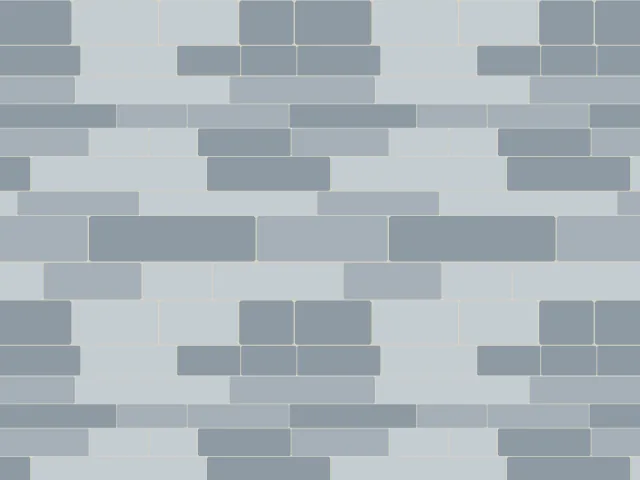
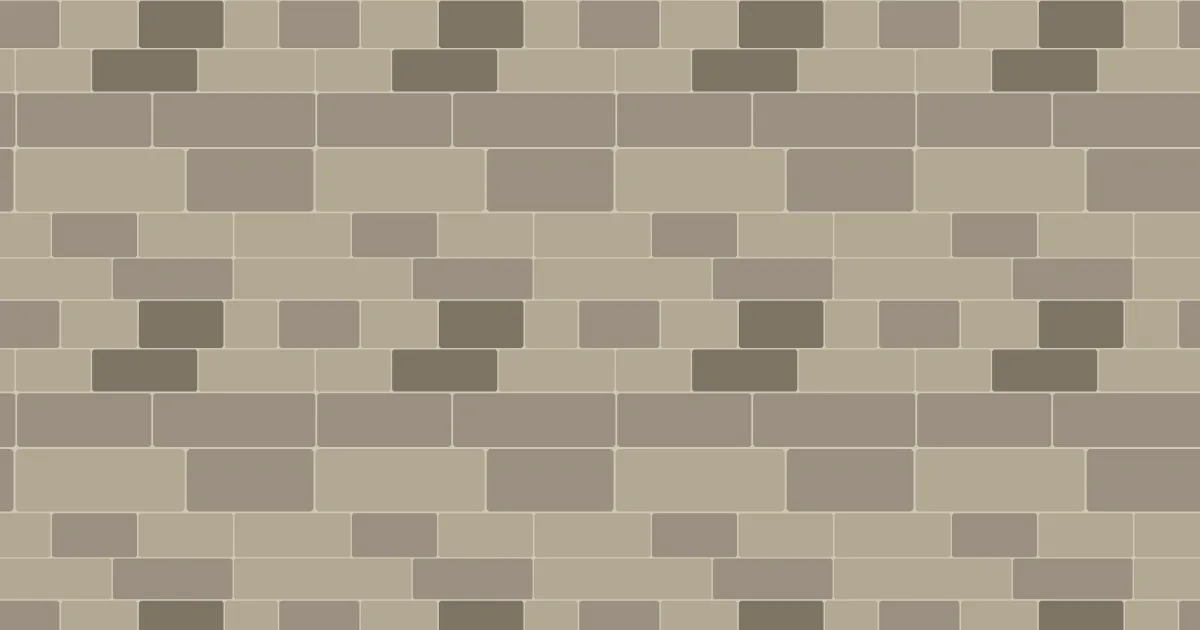
Ashlar is stone cut to square blocks and laid in level courses, each joint set over the middle of the block below. Rubble is stone used as it came from the quarry or the field, fitted by eye, and flagstones are flat irregular slabs of the same idea laid as paving. Cobbles are rounded stones from a river or a beach, set in rows to pave a street. Every one of them is held by mortar or by the earth, and the joints between stones draw the pattern.
The uneven sizes and shades make natural stone look alive, and in a repeating pattern it must look as if it never repeats.
How the generator builds them
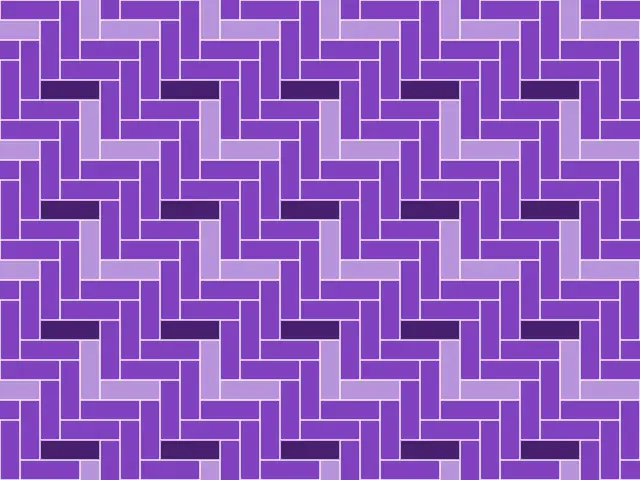
Ashlar is built in courses of different heights, each course cut into two to four blocks of different widths, with each course shifted so the joints stagger. Rubble and flagstones are the cells of a Voronoi diagram, relaxed toward even sizes for a regular flagstone floor or left rough for a field wall. Cobbles sit in staggered rows as slightly uneven ellipses.
Each stone takes one of three shades, the mortar is the ground, and the cells wrap around the tile, so it joins up without a seam. A seed button lays the stones again.
What you can adjust
- Masonry — ashlar, rubble or cobbles.
- Courses, Stones or Stones per row — how many fit into the tile.
- Mortar — from tight joints to wide ones.
- Irregularity — from tidy to rough.
- Other stones — lay the stones out again.
- Colors — a mortar color and three stone shades; any palette.
Export and use
Download the seamless tile as PNG or SVG, or copy a ready CSS background. The patterns you create are free to use, personally or commercially.