Arabesque pattern generator
A vine that never stops growing. Choose how many turns the scrolls make, how large they are, whether leaves and flowers grow on them, and whether a mirrored second band joins the first, and export a seamless arabesque as SVG, PNG or CSS.
Open in the generator How it works
The vine that became a pattern
Arabesque is the ornament of interlacing stems, scrolls and leaves, drawn so that the lines flow into one another without a break. The word means in the Arabic manner, and the style grew in Islamic art, where images of living things were avoided and plant forms were stylized and repeated across walls, books and metalwork. Related scrolling vines, often called rinceau, were used in ancient and Renaissance European art.
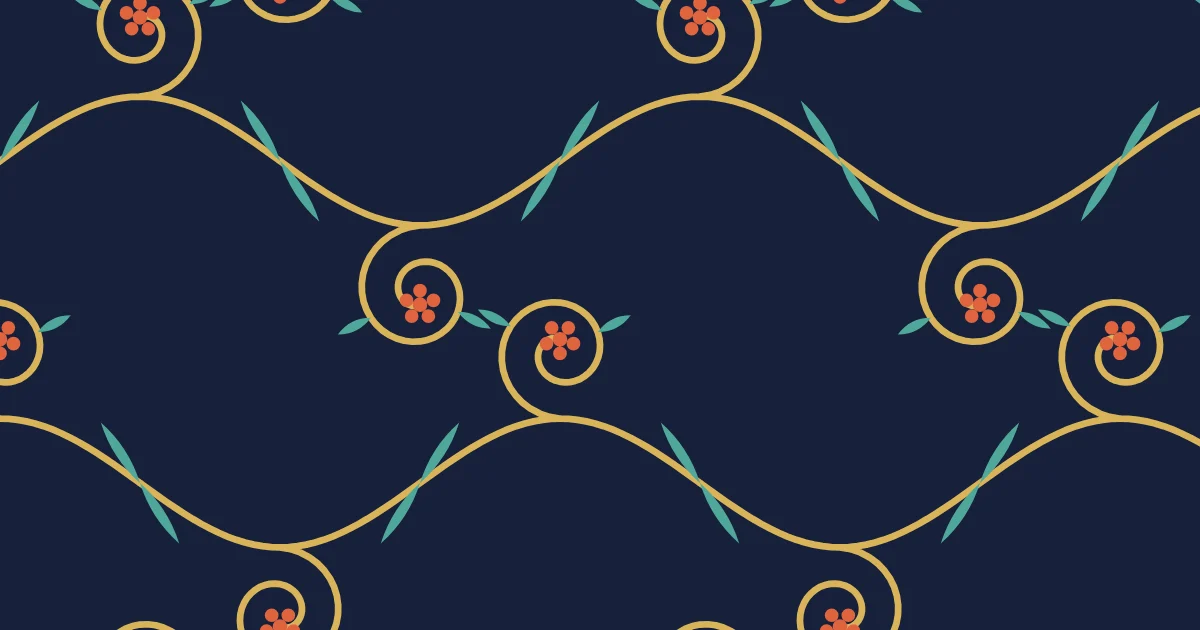
The charm of an arabesque lies in its rhythm: a stem that waves, scrolls that curl at its turning points, and leaves and flowers that fill the gaps. This generator makes a simple version of that rhythm.
How the generator builds them
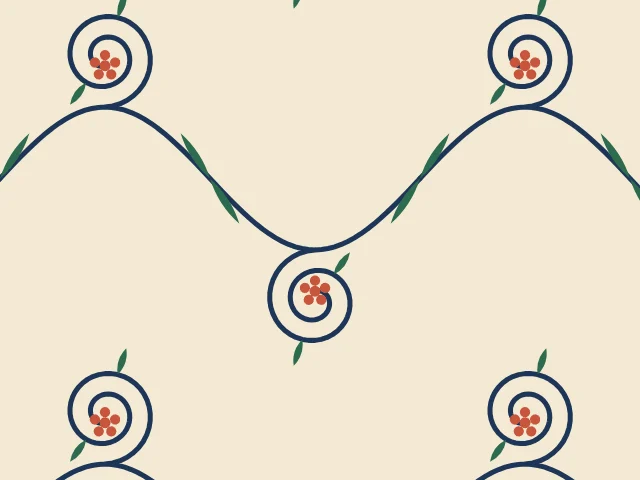
Ornamatic draws a sine-wave stem across the cell. At the top of the wave it grows a spiral scroll curling upward, and the scroll at the bottom of the wave is the same scroll turned by half a turn about the middle of the stem, which keeps the band balanced. Leaves sit on the scrolls and on the stem, and a small five-petalled flower sits in the heart of each scroll.
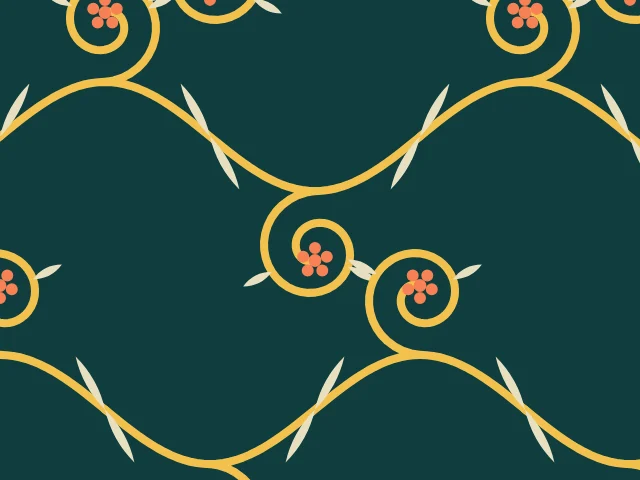
In the two-band layout the band is repeated upside down and shifted sideways, so that the stems cross and the scrolls fill the spaces between. The cell repeats exactly, so the tile is seamless.
What you can adjust
- Bands — one band or two.
- Leaves and Flowers — on or off.
- Scroll turns — how many times the scroll curls.
- Scroll radius — the size of the scrolls.
- Vine weight — the thickness of the stem.
- Period proportions — the height of the cell, in advanced mode.
- Colors — a ground and three colors; any palette.
Export and use
Download the seamless tile as PNG or SVG, or copy a ready CSS background. The patterns you create are free to use, personally or commercially.