Damask pattern generator
The medallion of woven silk and wallpaper. Choose how full the medallion is, how many turns the scrolls make and whether leaves grow around it, and export a seamless damask pattern as SVG, PNG or CSS.
Open in the generator How it works
Silk named after a city
Damask takes its name from Damascus, a trading city once famous for its figured silks. The pattern is woven into the cloth itself: the motif and its ground use the same thread, and only the way it is woven changes, so the design shows by the play of light and reads in a different tone from each side.
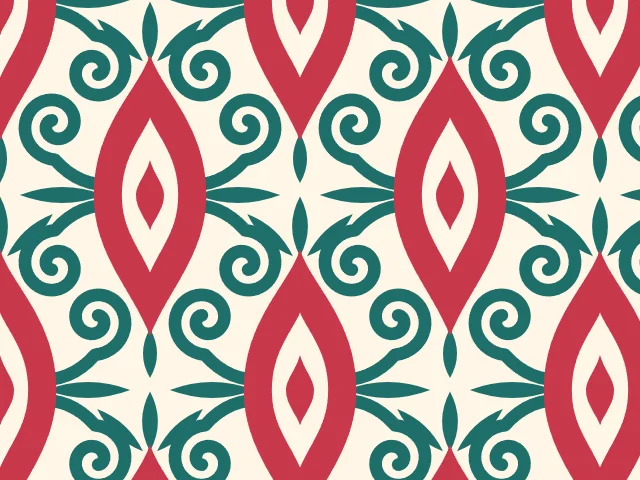
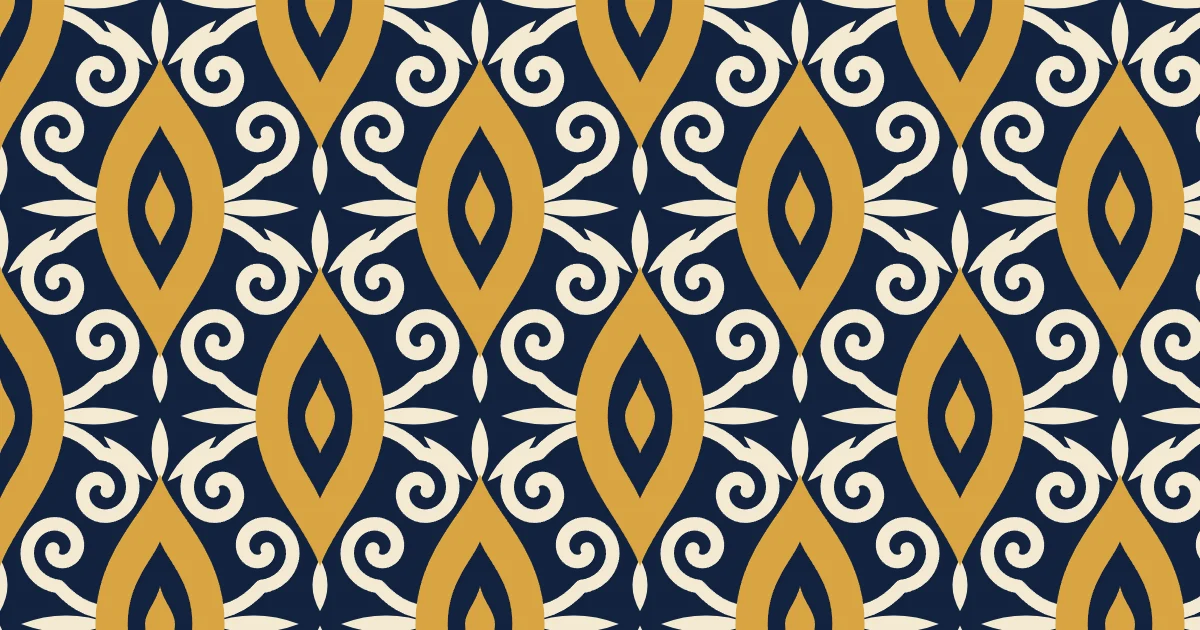
The look is easy to recognize. One bilaterally symmetrical medallion, with a pointed oval at its center, is surrounded by scrolls and leaves, and the motifs are laid out in rows. Damask has long been used for tablecloths, curtains and wallpaper.
How the generator builds them
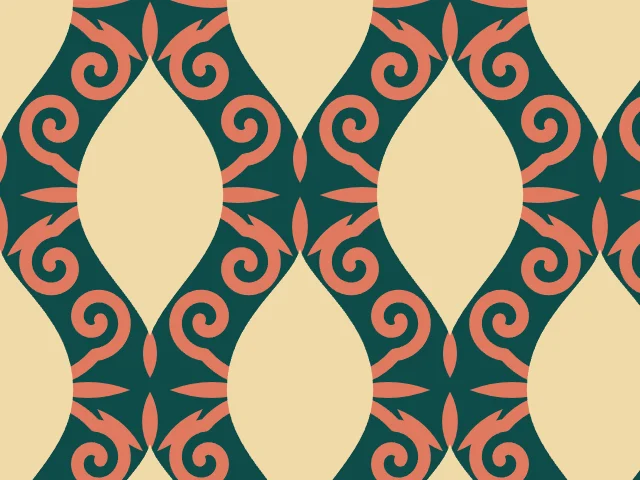
Ornamatic draws one side of the motif with smooth curves and mirrors it, so the medallion is exactly symmetrical. The scrolls are spirals that start at the medallion and wind inward, and the leaves sit on the axis and beside it. The medallion can be a solid shape or a ring with a small jewel in its center.
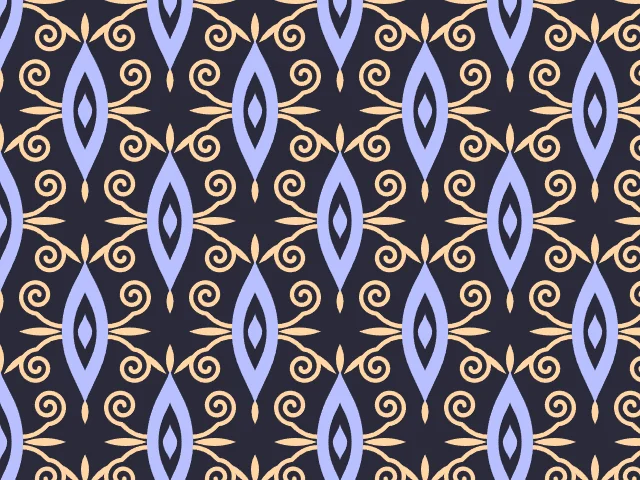
In the half-drop layout every second medallion is shifted down by half the height of the cell and across by half its width, which fills the gaps and gives the classic diagonal flow. In the straight layout the medallions stand in plain rows. Either way the cell repeats exactly.
What you can adjust
- Layout — half-drop or straight.
- Medallion — a ring with a center, or a solid shape.
- Size and Fullness — how large the motif is and how wide the medallion is.
- Scroll turns and Scroll weight — how tightly the scrolls curl and how thick they are.
- Leaves — on or off.
- Period proportions — the height of the cell, in advanced mode.
- Colors — any palette.
Export and use
Download the seamless tile as PNG or SVG, or copy a ready CSS background. The patterns you create are free to use, personally or commercially.