
Drafting hatch pattern generator
The thin lines of a section drawing. Choose concrete, earth, brick, insulation, a wood section, graph paper or an isometric grid, how dense it is and how thick the line, and export a seamless pattern as SVG, PNG or CSS.
Open in the generator How it works
A language for materials
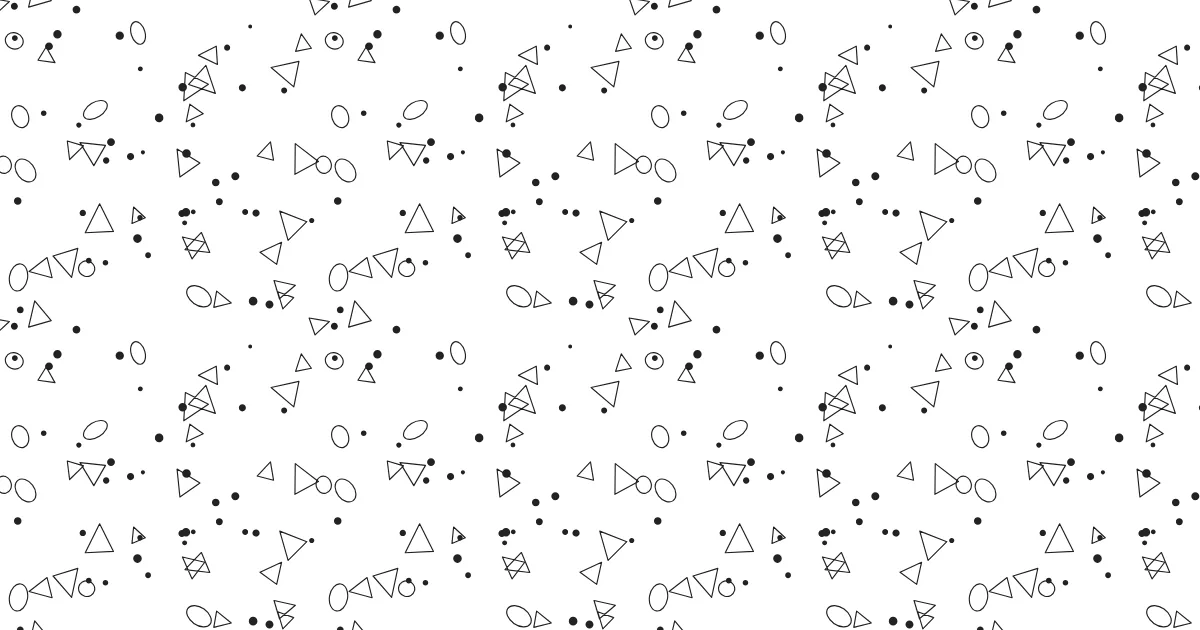
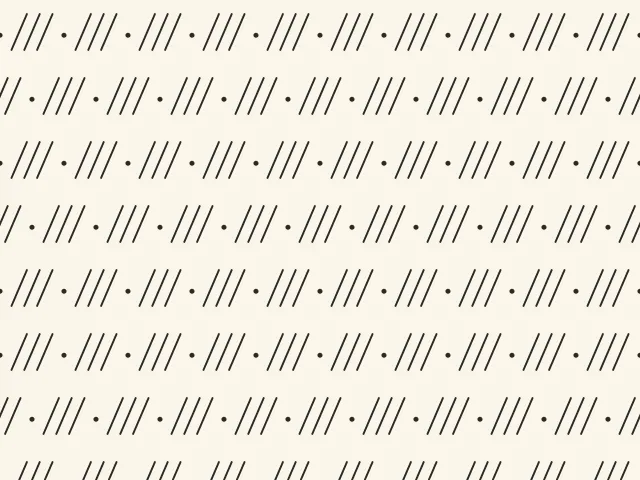
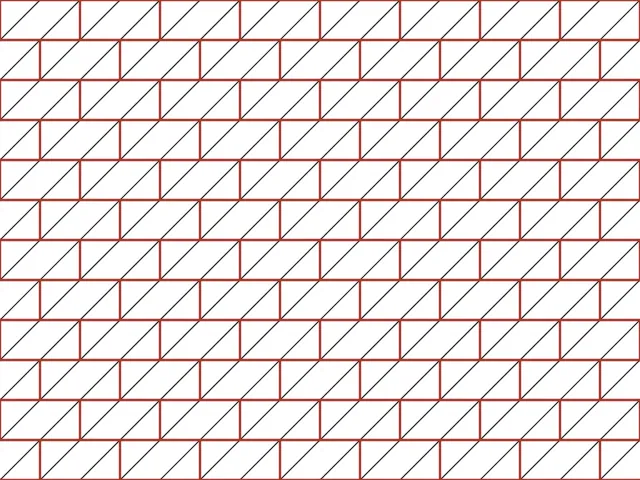
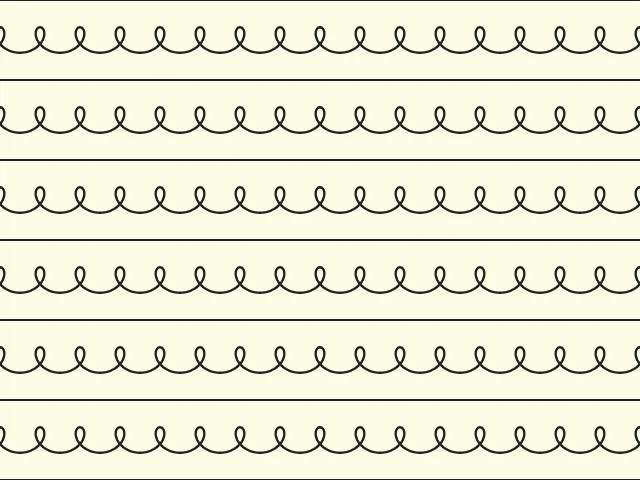
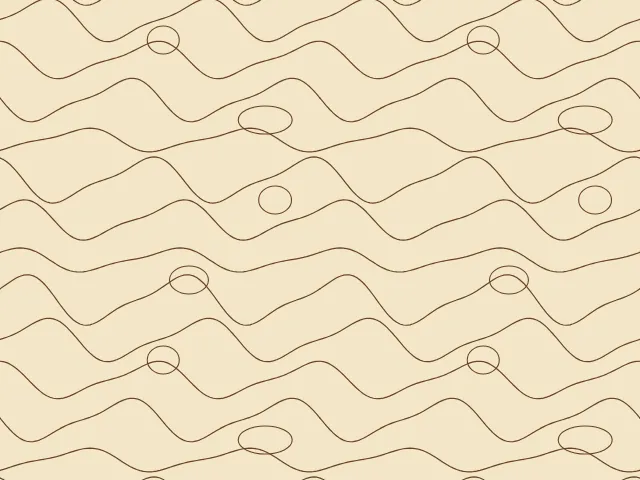
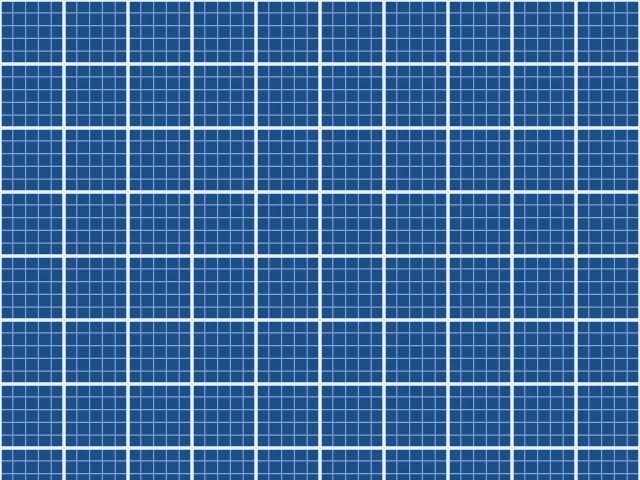
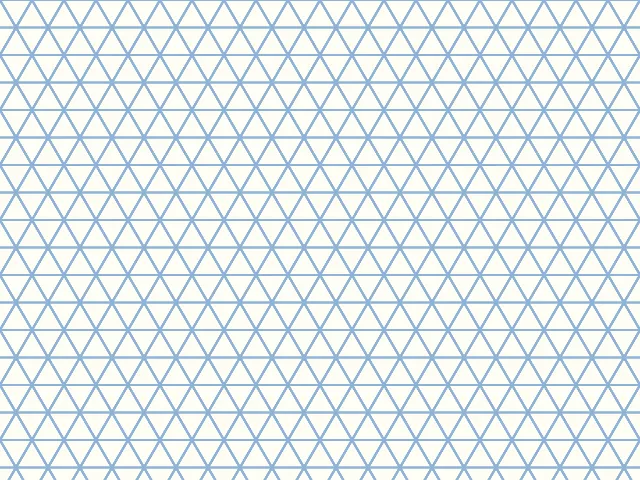
On a section drawing the cut surface is not left empty but hatched, and each material has its own hatch, so that a reader sees at once what is concrete, what is earth and what is wood. Concrete is scattered dots and angular stones, earth is short slanted strokes with dots, brick is diagonal lines inside the bond, insulation is a loop that looks like a spring between two lines, and wood is a wave of grain with knots. Graph paper and the isometric grid are the surfaces on which such drawings are made.
Ornamatic draws general versions of these hatches. They are not the symbols of any particular standard.
How the generator builds them
Every hatch is made of thin lines and a few dots on a plain ground. Concrete scatters dots, small triangles and ovals at random. Earth repeats three slanted strokes and a dot in staggered rows. Brick draws a running bond with diagonal lines across it. The insulation is a looped line between two straight ones, and wood is wavy grain lines with knots. Graph paper has fine and bold lines, and the isometric grid is three families of lines at 60 degrees.
Every pattern has a whole number of cells in the tile and its lines end at the same place on opposite edges, so the tile repeats without a seam.
What you can adjust
- Hatch — concrete, earth, brick, insulation, wood section, graph paper or isometric grid.
- Density — how many cells, rows or lines fit into one repeat.
- Richness — more kinds of mark, finer grid lines.
- Line weight — from a hairline to a bold line.
- Variation — a different arrangement of the marks for concrete and wood.
- Colors — a ground and up to three more; any palette.
Export and use
Download the seamless tile as PNG or SVG, or copy a ready CSS background. The patterns you create are free to use, personally or commercially.
Open one of these in the generator
See also
-
 Mazes and meandersEndless mazes and the Greek key border.
-
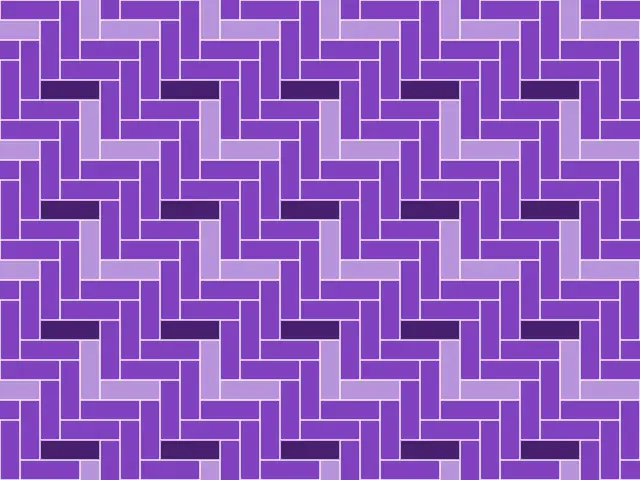 Parquet and brick bondsPlanks and bricks laid in classic patterns: herringbone, chevron, basket weave, Flemish and English bond.
-
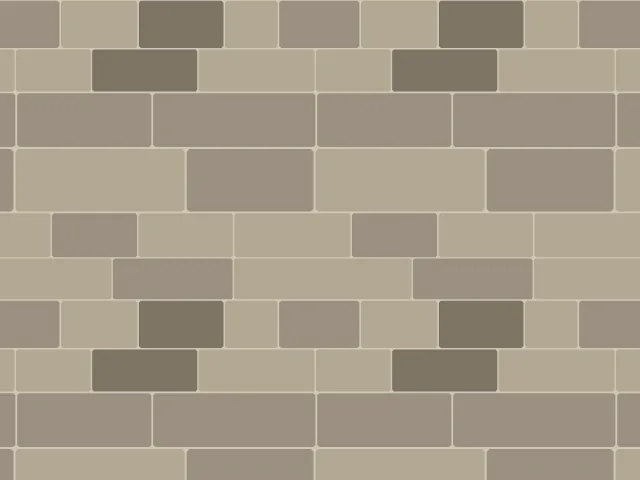 Stone masonryAshlar courses, irregular rubble and flagstones, and round cobbles in rows, with mortar between the stones.