Marbling pattern generator
Bands of ink dragged through water. Choose swirls, a comb, waves or rings, how far the ink is pulled and how fine the feathering is, and export a seamless marbled-paper pattern as SVG, PNG or CSS.
Open in the generator How it works
Ink on water
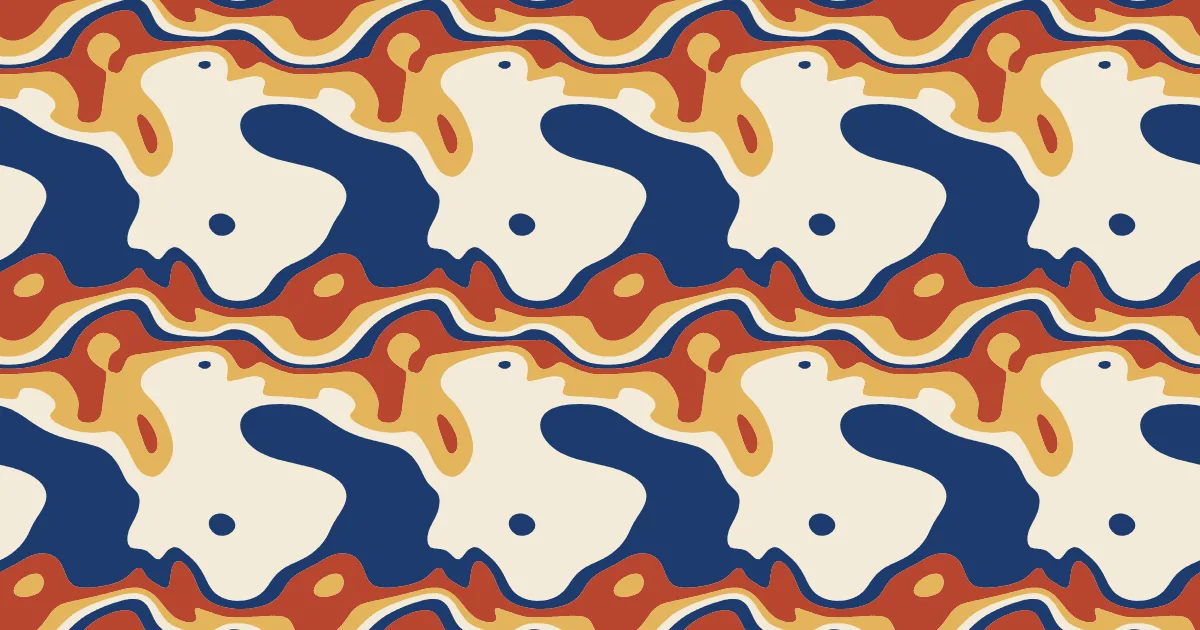
Marbling is the art of floating drops of ink or paint on water, or on a thickened bath, and drawing a sheet of paper across them to pick up the picture. The craft is known as ebru in Turkey and suminagashi in Japan, and marbled paper lined the endpapers of European books for centuries.
The patterns have names of their own: a stone, a comb, a nonpareil, a swirl. They all come from the same few gestures, which is why they look related.
How the generator builds them
The generator imagines a flat field of parallel colored bands and then drags it, many times, with smooth periodic displacements. Where the field is cut into bands, the edges become the contours of the ink. Because the drag is periodic in both directions, the tile wraps around and repeats exactly.
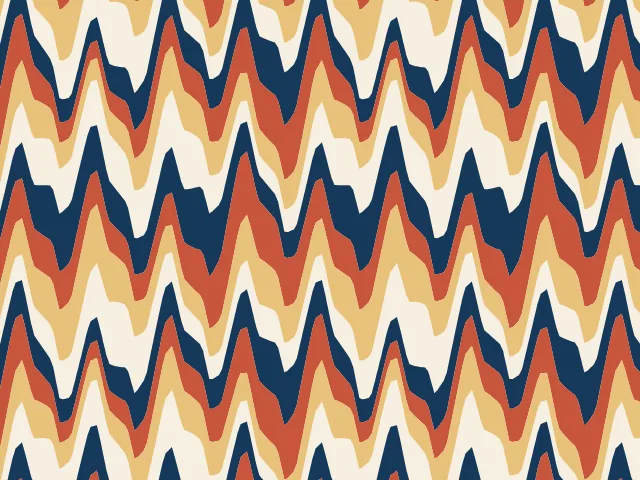
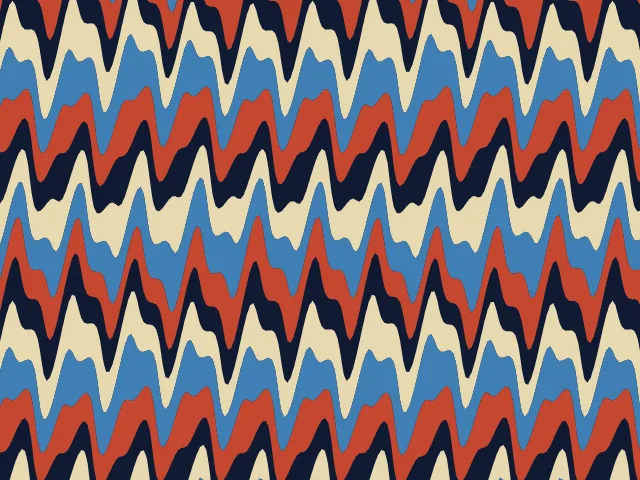
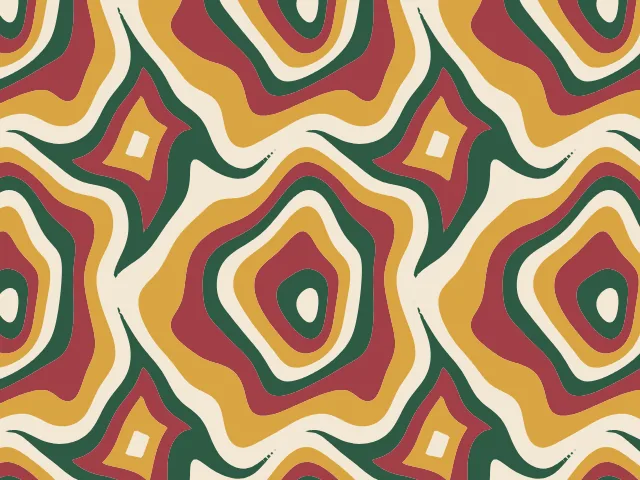
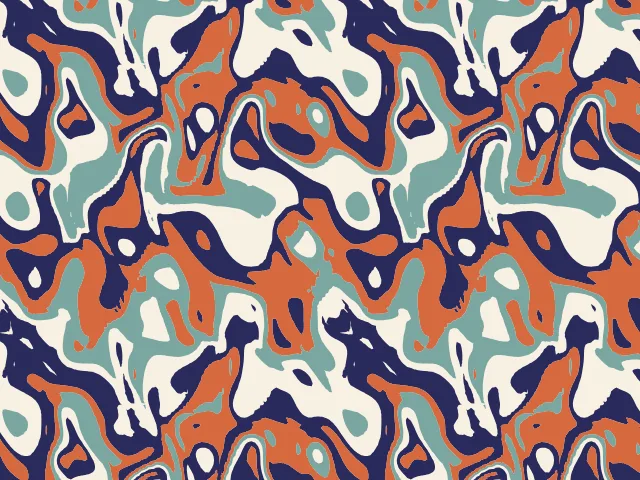
Swirls pull the ink around lazy whirlpools. The comb draws straight teeth through the bands to make a zigzag, the wave pushes them into a long undulation, and rings fold them into concentric blobs.
What you can adjust
- Style — swirl, comb, wave or rings.
- Bands — how many stripes of color run through the tile.
- Drag — how far the ink is pulled out of line.
- Detail — from large lazy swirls to fine feathering.
- Teeth — comb teeth or waves across the tile.
- Period proportions — a wider or taller tile.
- Other ink — a new draw of the swirls.
- Colors — a ground and up to three inks; any palette.
Export and use
Download the seamless tile as PNG or SVG, or copy a ready CSS background. The patterns you create are free to use, personally or commercially.