Topographic contour pattern generator
Draw the map of a landscape that does not exist. Ornamatic makes a random terrain, cuts it at regular heights into contour lines or colour bands, and exports a seamless pattern as SVG, PNG or CSS.
Open in the generator How it works
What are contour lines?
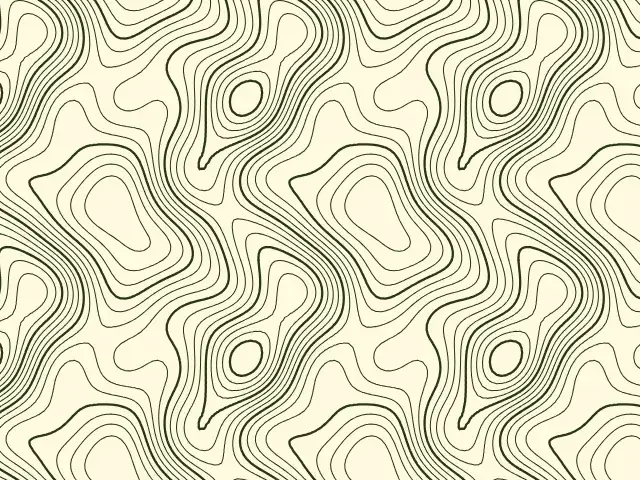
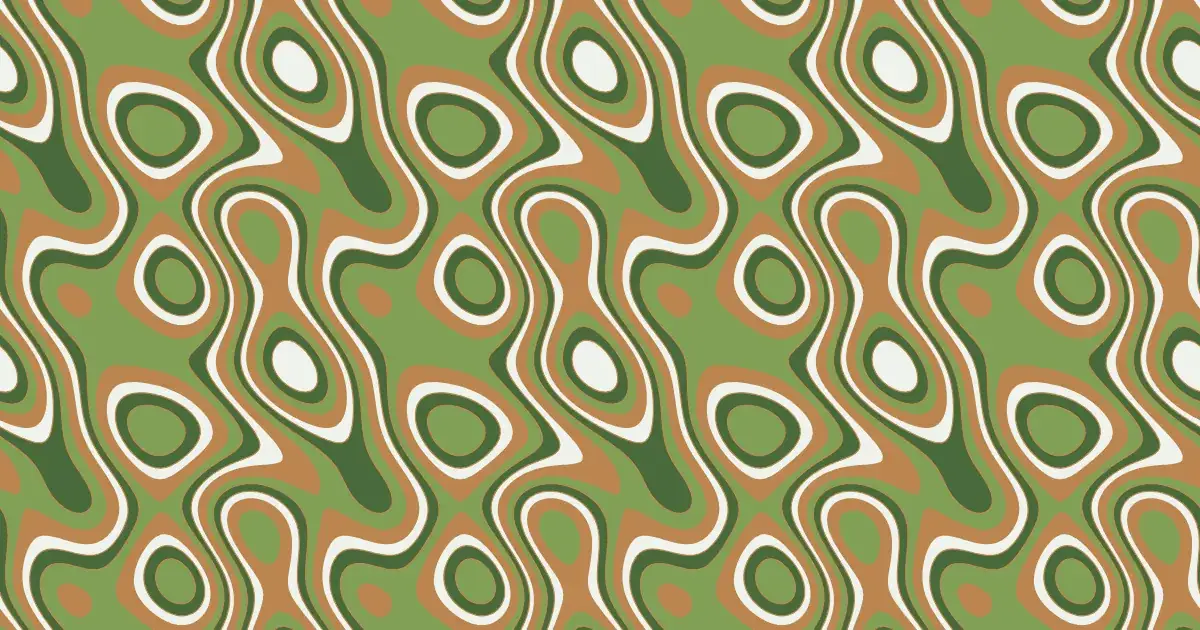
On a topographic map, a contour line joins all the points at the same height above sea level. Where lines are close together the ground is steep; where they are far apart it is flat. Closed loops mark hills and hollows.
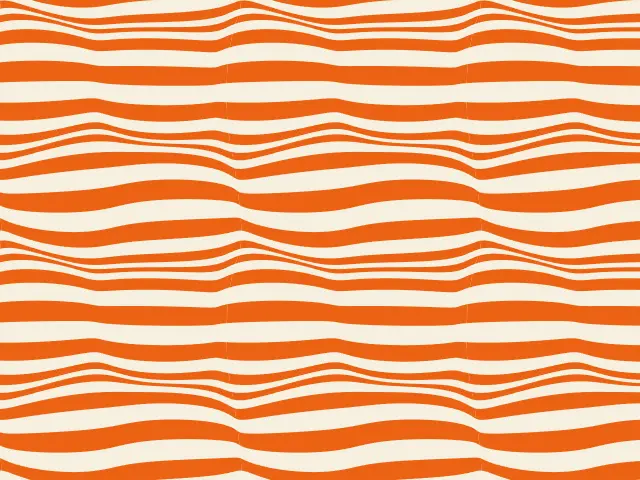
Drawn on their own, contour lines look like the grain of wood or the ripples of water, and the same idea is used for decoration far from any map.
How the generator builds them
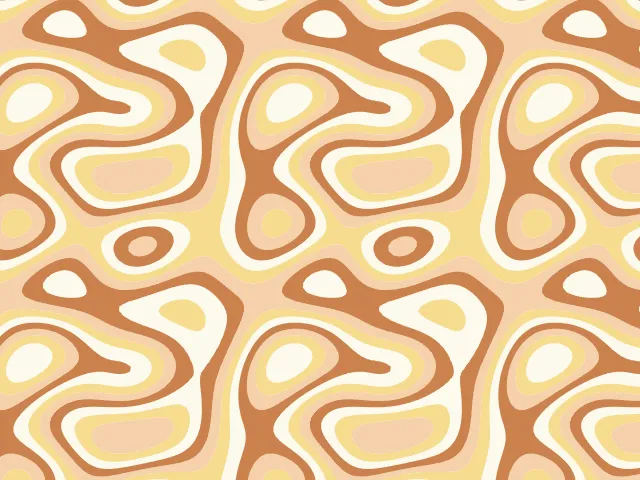
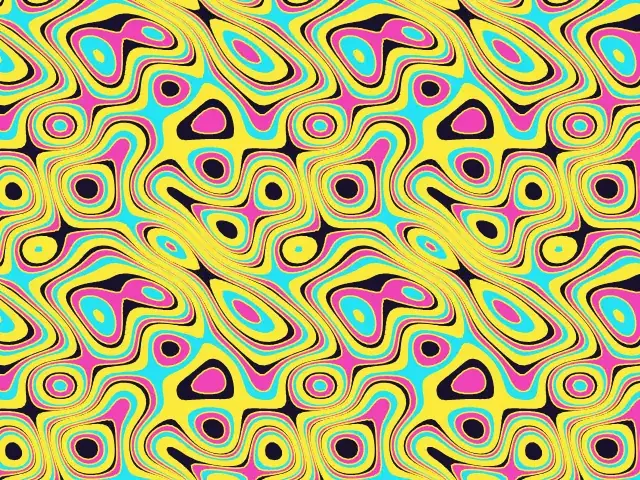
The generator creates a smooth random height field, made of waves of several sizes added together. It wraps around the edges of the tile, so the terrain, and so the pattern, is seamless. Contour lines are then traced at evenly spaced heights, and the bands between them can be filled with colours from the palette.
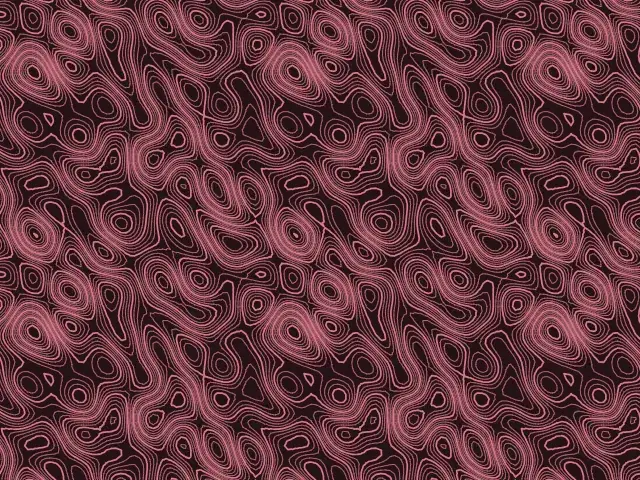
A roughness setting controls the terrain, from smooth rolling hills to fine ripples. As on real maps, every few lines can be drawn thicker to make an index contour.
What you can adjust
- Kind — lines only, filled bands, or both.
- Level count — how many contour heights are drawn.
- Terrain — from smooth hills to fine ripples.
- Line width — from hairlines to bold strokes.
- Thicken every — draw every nth contour thicker.
- Other terrain — a new random landscape.
- Colours — any palette.
Export and use
Download the seamless tile as PNG or SVG, or copy a ready CSS background. The patterns you create are free to use, personally or commercially.