Mehndi pattern generator
Delicate line work in the manner of henna. Choose the number of petals, the size of the flower, the weight of the line, and whether paisleys and a second color for the dots join in, and export a seamless mehndi-style pattern as SVG, PNG or CSS.
Open in the generator How it works
Drawing with henna
Mehndi is the art of decorating the skin with a paste of henna, practiced for centuries in South Asia, the Middle East and North Africa and often associated with weddings and festivals. The paste is applied from a small cone, which gives the design its character: fine lines of even width, small dots made by pressing the cone, and motifs such as flowers, vines, paisleys and peacocks.
Ornamatic makes a pattern in that manner. It is not a copy of any traditional design, and the motifs are simple ones in the same spirit.
How the generator builds them
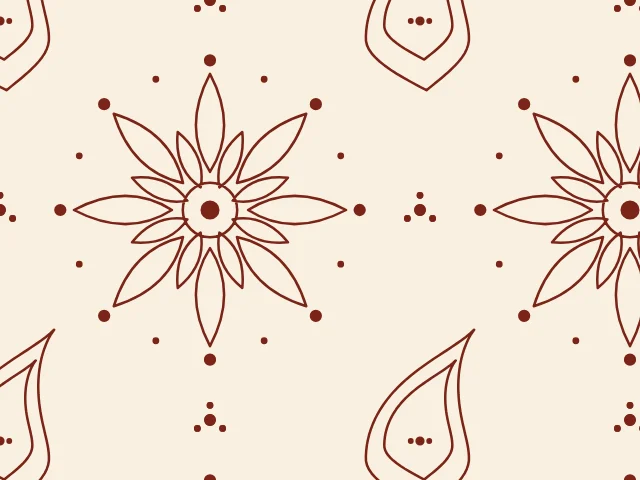
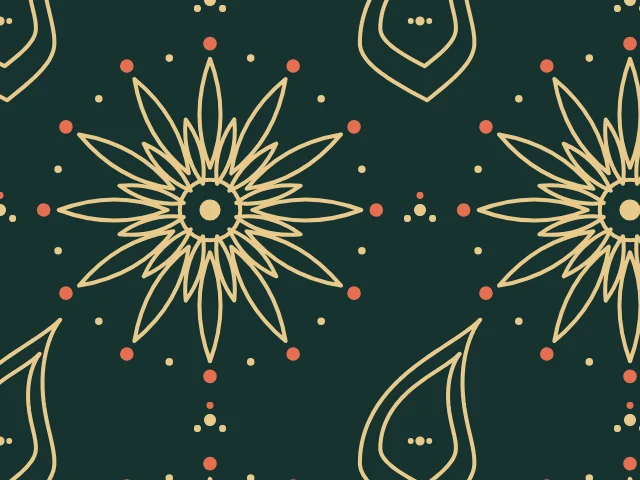
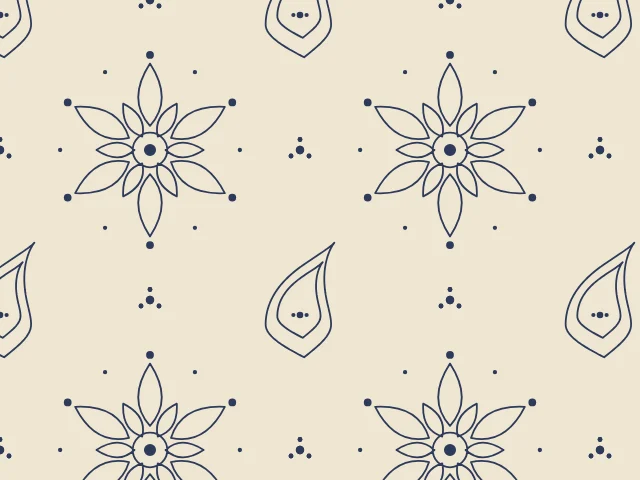
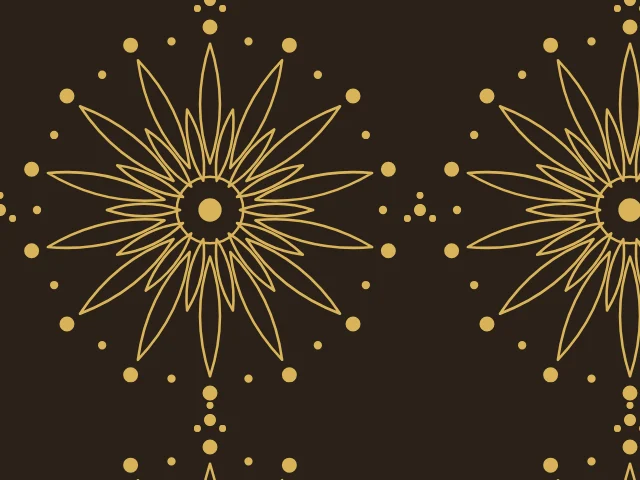
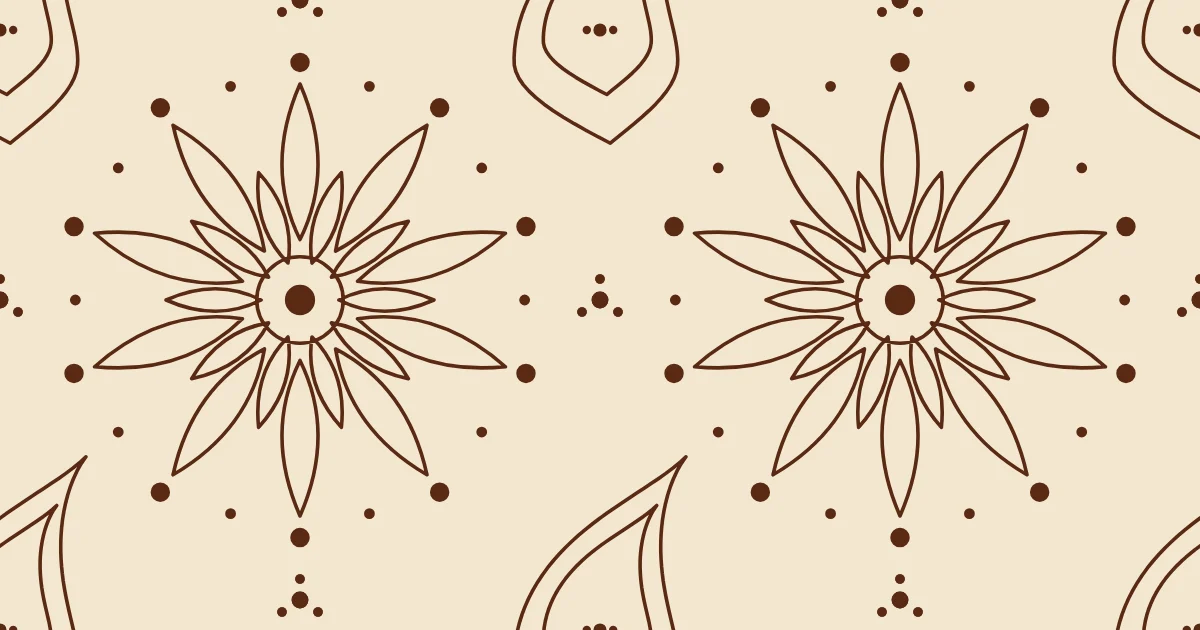
At the center of the cell sits a flower of two rings of petals, drawn only as outlines, with a ring and a dot at its heart and a ring of dots at the tips of the petals. A paisley with an inner outline and a few dots sits at each corner of the cell, between the flowers, and small clusters of dots fill the gaps along the edges.
Everything is drawn in a single ink as strokes and dots, and the second color can be given to the larger dots. The cell repeats exactly, so the tile is seamless.
What you can adjust
- Petals — from 5 to 14 petals in the flower.
- Flower size — how large the flower is in the cell.
- Line weight — from thread-thin to bold.
- Paisleys — the corner paisleys, on or off.
- Second color — the larger dots in a second color.
- Period proportions — the height of the cell, in advanced mode.
- Colors — a ground and two colors; any palette.
Export and use
Download the seamless tile as PNG or SVG, or copy a ready CSS background. The patterns you create are free to use, personally or commercially.