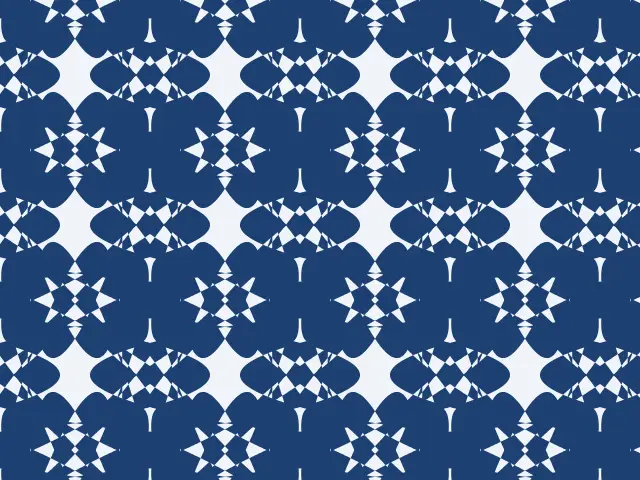
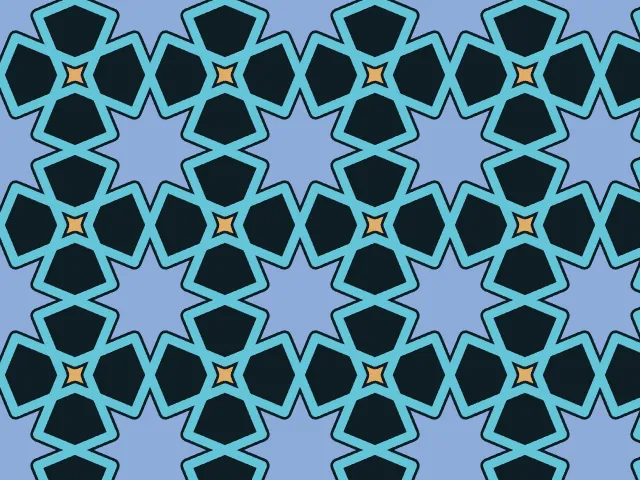
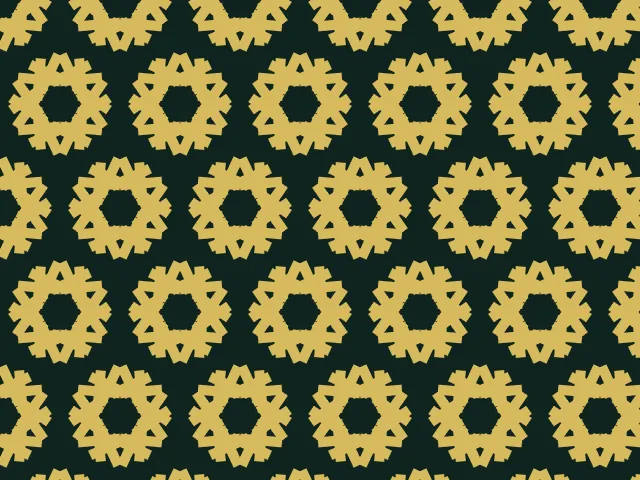
Mandala and rosette pattern generator
Build a rosette ring by ring. Choose the symmetry, the number of rings and the kind of motif, let the generator fill the rings, and place the rosettes on a square or hexagonal grid. Export a seamless pattern as SVG, PNG or CSS.
Open in the generator How it works
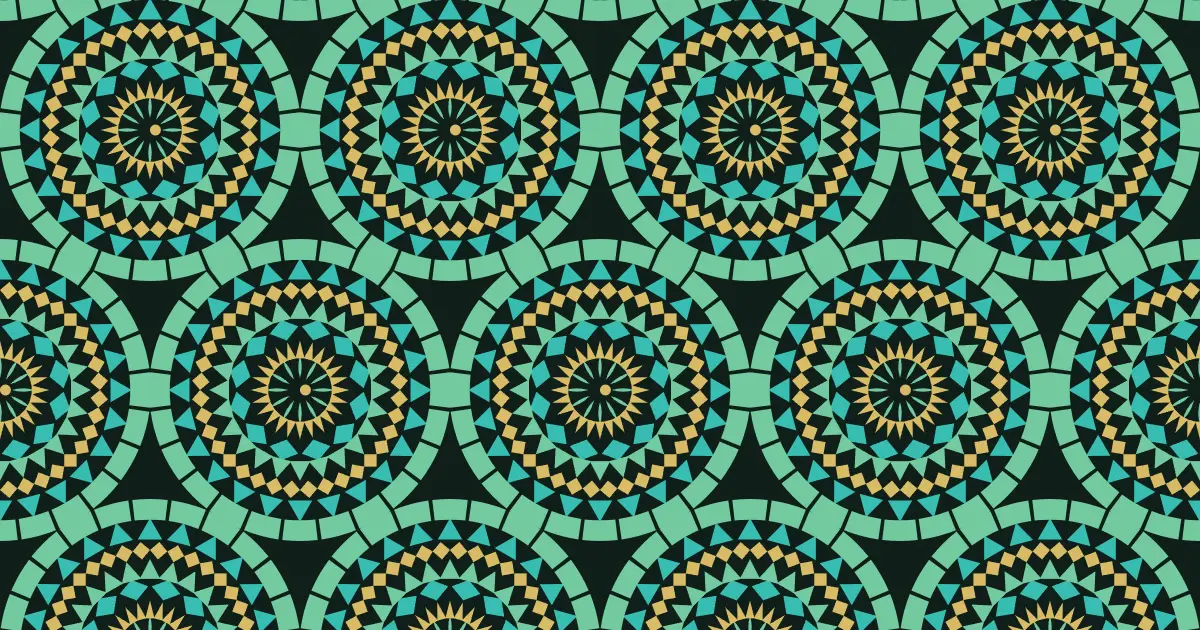
Rings around a center
A mandala (a Sanskrit word for “circle”) is a design arranged around a center. In Hindu and Buddhist traditions, mandalas are diagrams for ritual and meditation, but the idea of a rosette, a round ornament made of repeating petals, is much older and more widespread: it is found in rose windows, carved stone, ceramic tile and textiles all over the world.
The rule behind every rosette is rotational symmetry. An n-fold rosette looks the same when turned by one n-th of a full circle. The more sectors, the closer it gets to a circle; with few sectors it becomes a star or a flower.
How the generator builds them
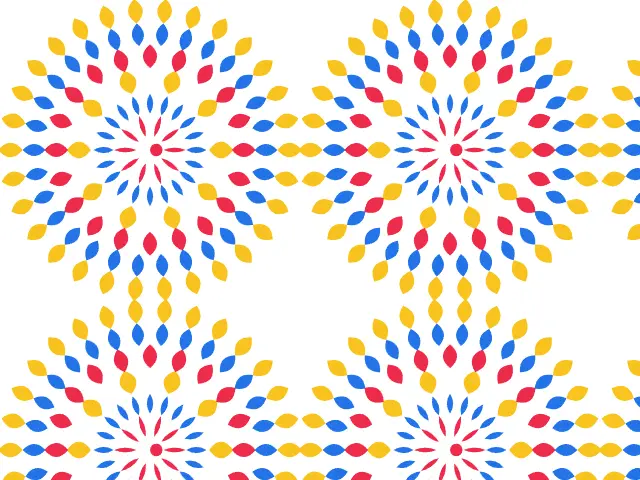
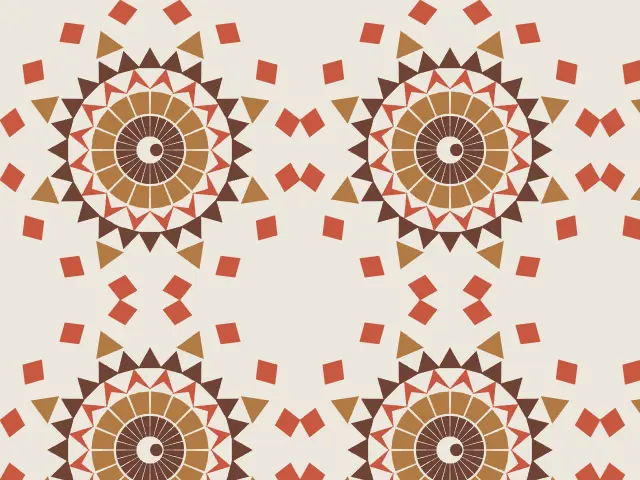
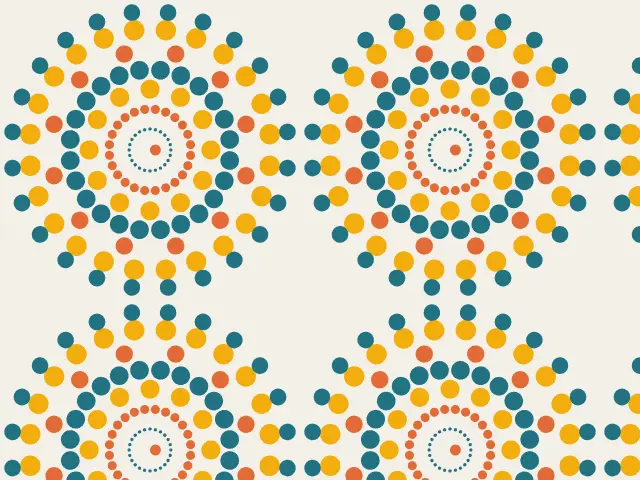
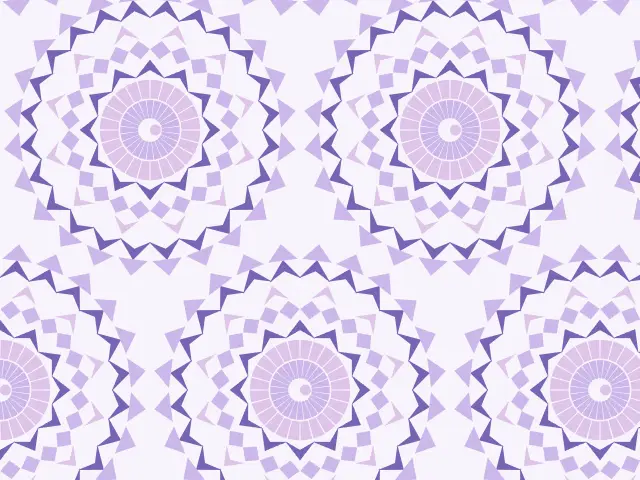
Ornamatic divides the rosette into concentric rings. Each ring gets a motif (a petal, a diamond, a triangle, a mosaic sector, a dart or a dot), a size, and a count that is a multiple of the symmetry order, so all the rings share the same symmetry. Some rings are turned by half a step, which makes the pattern interlock. A small flower sits in the center.
The rings are drawn from a seed, so “Shuffle” gives a new rosette with the same symmetry. The rosettes sit on a square or a hexagonal grid, and the pattern repeats exactly across the edges of the tile. Colors go around the rings in turn, so a palette with three colors gives layered rosettes.
What you can adjust
- Motifs — mixed, petals, geometric shapes (diamonds, triangles, mosaic sectors and darts) or dots.
- Symmetry — from three to twenty-four identical sectors.
- Rings — from one to nine.
- Rosette size and grid — the radius in lattice spacings, on a square or hexagonal grid.
- Draw — filled shapes or outlines, with an adjustable line width.
- Shuffle — a new random arrangement of the rings.
- Colors — any palette.
Export and use
Download the seamless tile as PNG or SVG, or copy a ready CSS background. The patterns you create are free to use, personally or commercially.