Halftone pattern generator
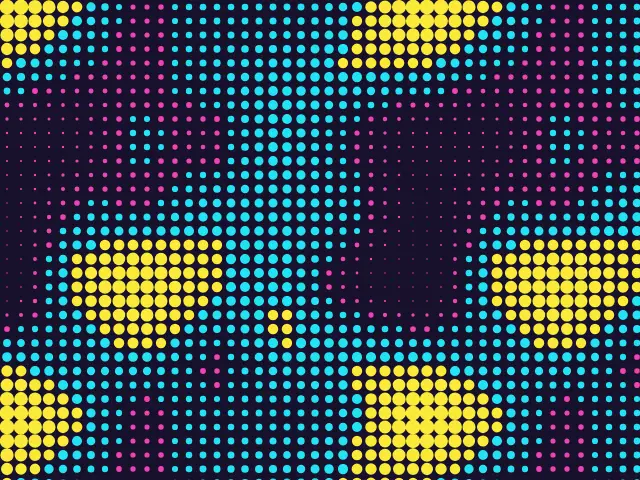
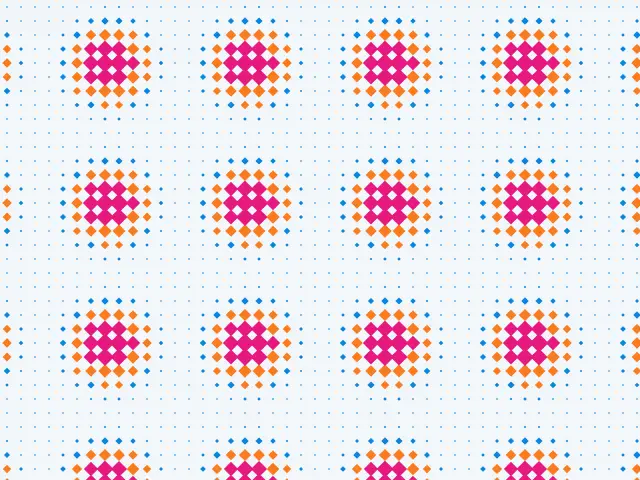
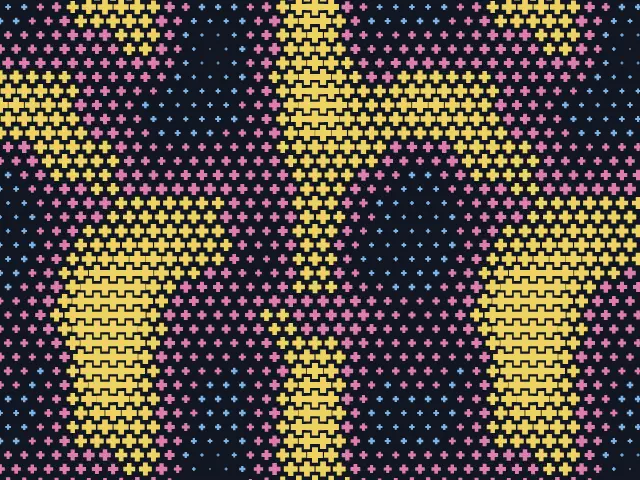
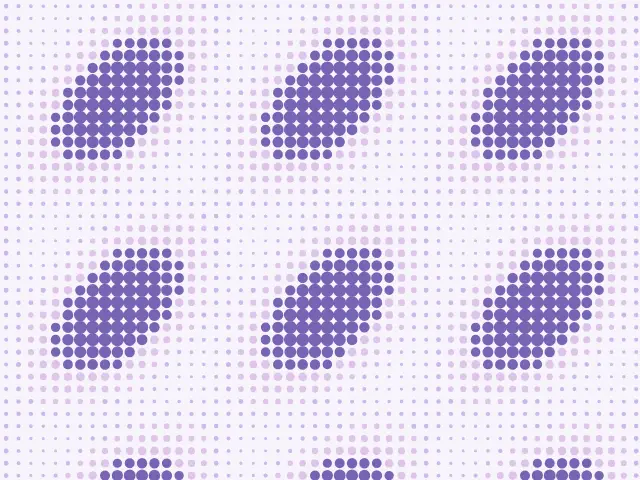
The look of a printed photograph without the photograph. Choose dots, squares, diamonds or crosses, a field that decides their size, and a square or hexagonal grid. Export a seamless pattern as SVG, PNG or CSS.
Open in the generator How it works
How a photograph is printed in dots
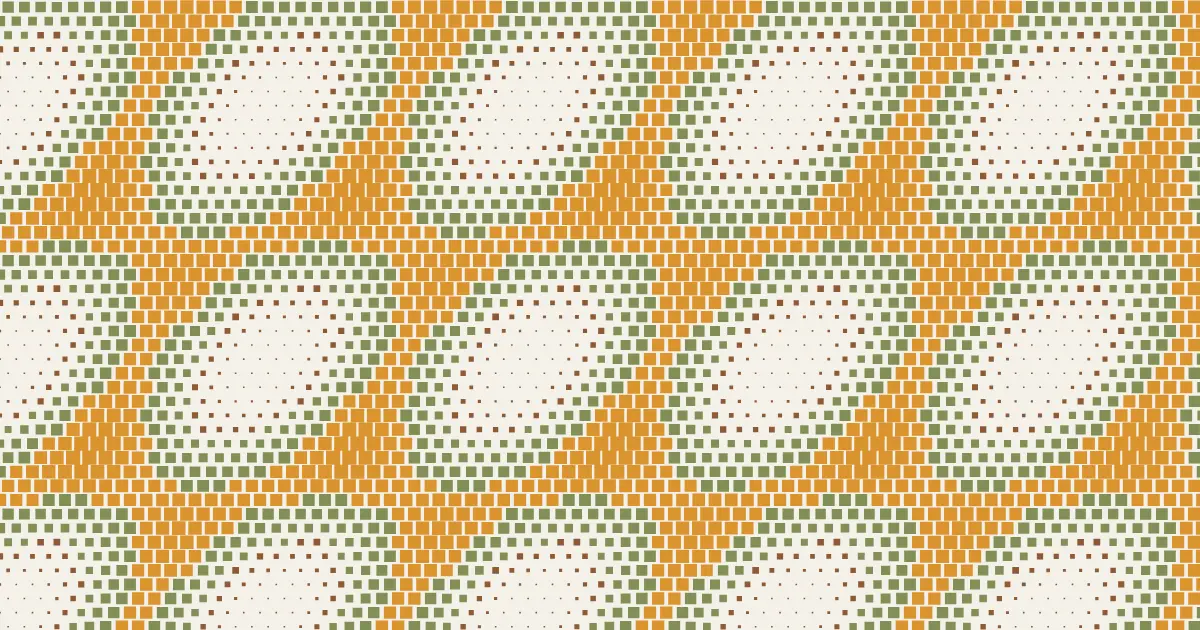
A printing press can only put ink on the paper or leave it bare, so it cannot print shades of gray directly. The halftone process solves this by breaking an image into a grid of dots: where the picture is dark the dots are big and almost merge, where it is light they are small. From a distance the eye blends them into smooth tones. The technique was developed in the second half of the nineteenth century and is still how newspapers and comics are printed.
Artists have long borrowed the look. Pop artists such as Roy Lichtenstein enlarged the dots until they became the subject of the picture.
How the generator builds them
Ornamatic puts a motif at every point of a grid and sets its size from a smooth field. The field can be value noise, which gives soft clouds, interfering waves, which give repeating patches, or blobs around a grid of centers. The field wraps around the edges of the tile, so the pattern is seamless.
The size runs between the smallest and the largest motif you choose, and the contrast makes the transition softer or sharper. Colors can follow the size, so that the largest motifs are one color and the smallest another.
What you can adjust
- Field — noise, waves or blobs.
- Motif — dots, squares, diamonds or crosses.
- Grid — square or hexagonal.
- Columns — how many motifs fit across one tile.
- Detail and contrast — how many features the field has, and how sharp the transitions are.
- Smallest and largest — the size range of the motifs.
- Colors — by size or one color; any palette; a shuffle for a new field.
Export and use
Download the seamless tile as PNG or SVG, or copy a ready CSS background. The patterns you create are free to use, personally or commercially.